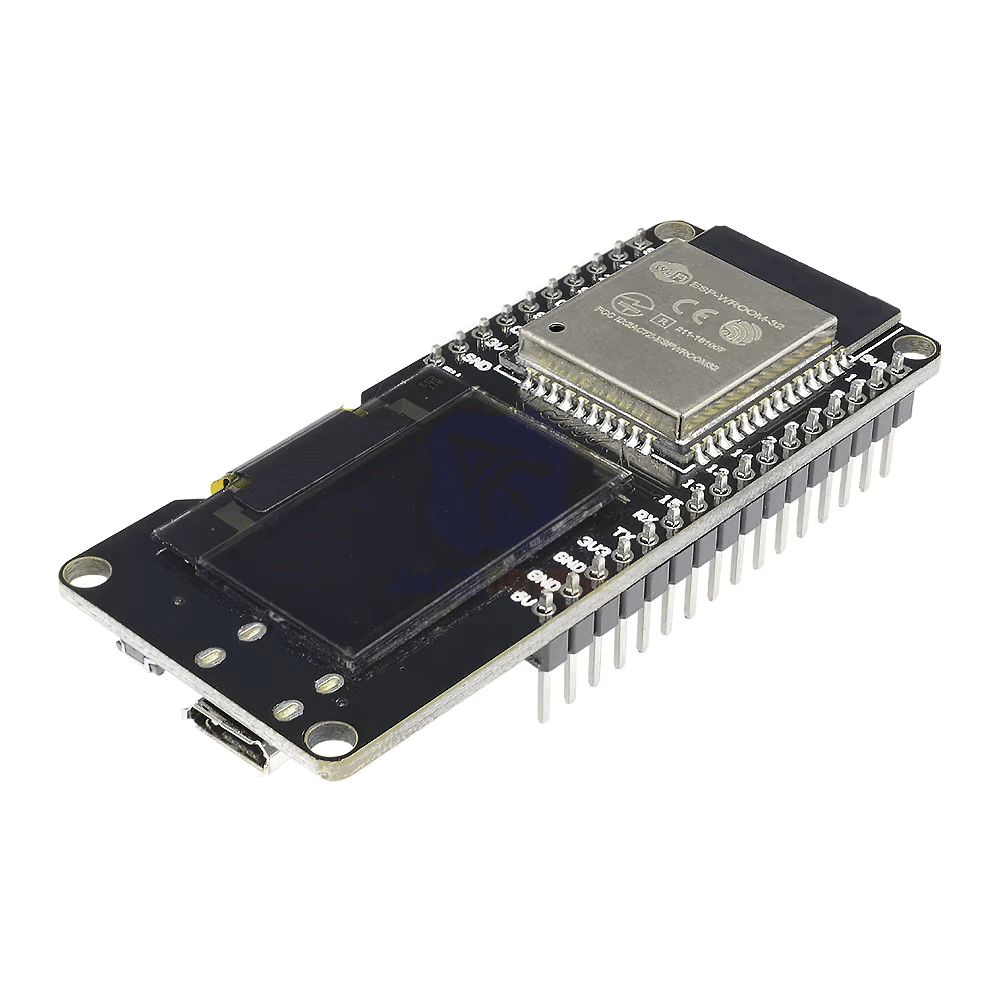
Description
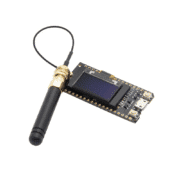
ESP32 Development Board with 0.96-inch OLED
Compact board based on ESP-WROOM-32, with dual-core ESP32, Wi-Fi, Bluetooth and an integrated 0.96-inch monochrome 128×64 OLED display.
Specifications stated in the listing
- ESP32 Xtensa LX6 dual-core, 32-bit, 240MHz
- Flash: 4MB; RAM: 520KB (listed)
- Wi-Fi 802.11 b/g/n; Bluetooth 4.2 BR/EDR and BLE
- OLED: 0.96-inch, 128×64, I²C, address 0x3C
- OLED connections: SDA GPIO21; SCL GPIO22
- Micro-USB for power/programming; 5V input with 3.3V regulation stated
- On-board LED: GPIO2; dimensions approximately 55 × 28mm
OLED text example
Install Adafruit SSD1306 and Adafruit GFX using Arduino IDE Library Manager. The sketch below initializes the display at I²C address 0x3C and prints a short message.
#include <Wire.h>
#include <Adafruit_GFX.h>
#include <Adafruit_SSD1306.h>

#define SCREEN_WIDTH 128
#define SCREEN_HEIGHT 64
#define OLED_RESET -1
#define SCREEN_ADDRESS 0x3C // Adresse I2C de l'écran OLED

Adafruit_SSD1306 display(SCREEN_WIDTH, SCREEN_HEIGHT, &Wire, OLED_RESET);

void setup() {
Serial.begin(115200);

// Initialisation de l'écran
if (!display.begin(SSD1306_SWITCHCAPVCC, SCREEN_ADDRESS)) {
Serial.println(F("Échec de l'initialisation OLED"));
for (;;);
}

display.clearDisplay();
display.setTextSize(1); // Taille du texte
display.setTextColor(SSD1306_WHITE); // Couleur du texte
display.setCursor(0, 10); // Position du texte
display.println(F("Bonjour Micro-Planet!"));
display.display(); // Affiche le tout
}

void loop() {
// Rien dans la boucle principale
}
Check the actual OLED address and selected board profile if the screen does not initialize. Use a data-capable micro-USB cable. ESP32 GPIO uses 3.3V logic; do not apply 5V to signal pins.
The source code block above is reproduced unchanged.