
How to Buy on MicroPlanet?
Step 1: Find an item, you can either:
- Use the search bar.
- Search by code (UGS) or (SKU), each product has a unique reference.
- Browse our featured products and promotions (popular products, best sellers…) on the homepage.
- Browse the different categories located in the sidebar, or the fixed bar.
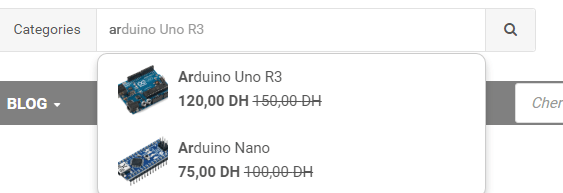
Step 2: Once you find the products you are interested in, you can:
- Add it to your cart by clicking on “Add to Cart” and proceed to the next step.
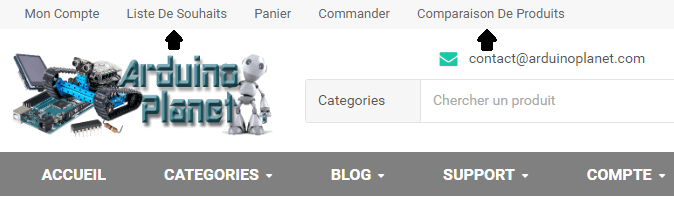
Step 3: Access the cart.
- Click on “Cart” located at the top right, then you can either click on “Checkout” and proceed directly to the next step or click on “View Cart”.
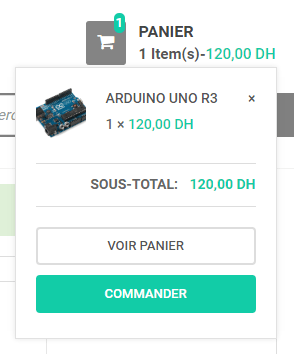
- Once in your cart, click on the indicated buttons to modify the quantity or delete a product.

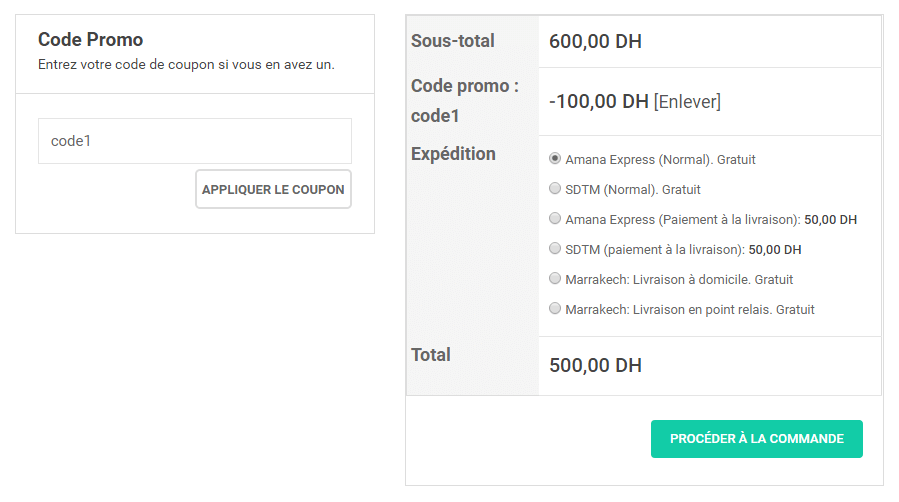
- From here you can choose the delivery method, you can also change it in the next step. Once the method is selected, click on “Proceed to Checkout”.
Step 4: Finalize the order.
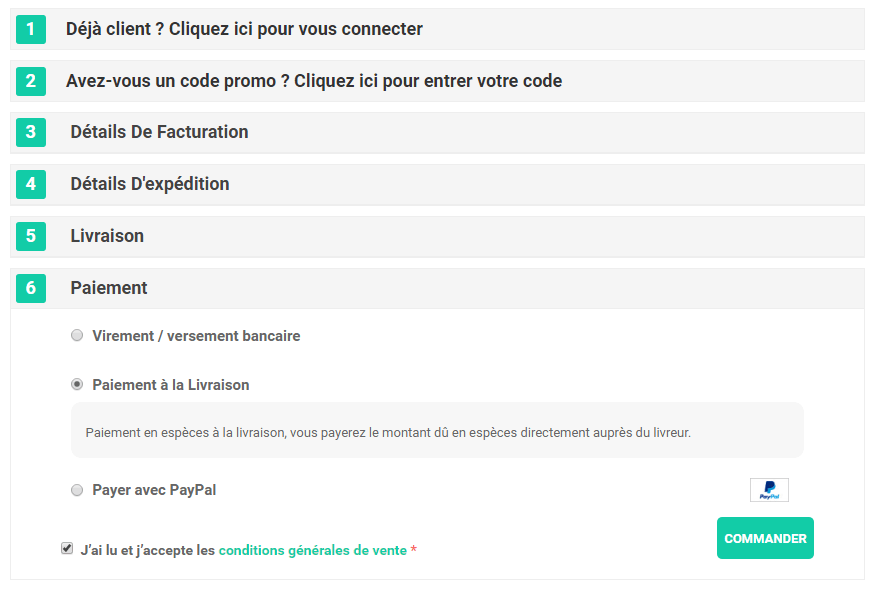
- To place your order, you must log in under the “Already a customer?” tab.
- Or create an account if this is your first order by filling in your information under the “Billing” tab.
- The “Shipping” tab is used to ship to an address different from the billing address; you can skip this step to use the billing address instead.
- Choose the delivery method you prefer.
- Choose the Payment method that suits you; the total amount is automatically updated according to the chosen delivery and payment methods.
- Read and accept the terms and conditions of sale.
- Click on “Order” to place the order.
An email will be sent to you with your order details.
Un conseiller vous contactera pour valider votre commande, après, votre commande sera traité et envoyé dans moins de 24 heures. More details