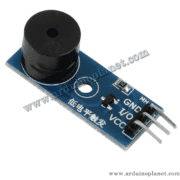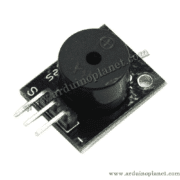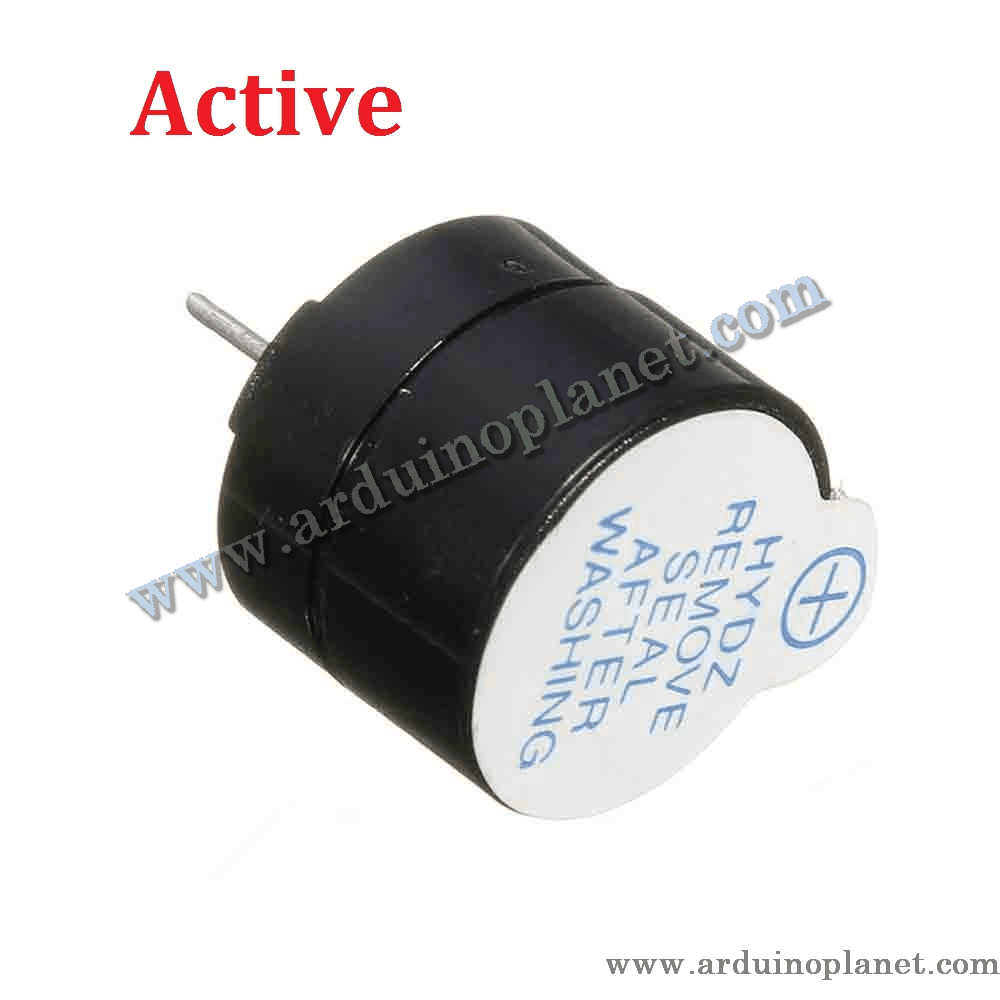
Description
5V Active Buzzer Module
This active buzzer module produces a continuous tone when DC power is applied. Unlike a passive buzzer, it includes an oscillator, so it does not need an external audio-frequency signal to make its basic tone.
🔧 Listed specifications
- Rated voltage: 5 V DC
- Operating-voltage range: 4–7 V DC
- Rated current: <30 mA
- Sound: continuous tone while active
- Resonant frequency: approximately 2,300 Hz
- Sound-pressure level: >85 dB at 10 cm (as listed)
- Dimensions: 19 × 15 mm
⚙️ How it works
An internal oscillator drives the buzzer’s sound-producing element when it is powered. The buzzer continues to sound while its input is active.
💡 Applications
- Alarm circuits
- Communication equipment
- Automotive electronics
- Portable equipment
- Simple audible notifications
📌 Pinout
- VCC: positive supply (5 V nominal; listed operating range 4–7 V)
- GND: ground
- Signal (S): control input, active HIGH as listed
🔌 Using it with an Arduino Uno
Connect VCC to a suitable 5 V supply and GND to ground. Connect the signal pin to a digital output. Because the product listing specifies current below 30 mA, verify the actual input current before driving it directly from an Arduino pin; use a transistor driver if required.
Basic Arduino example
#define BUZZER_PIN 8


void setup() {
  pinMode(BUZZER_PIN, OUTPUT);
}


void loop() {
  digitalWrite(BUZZER_PIN, HIGH); // Activer le buzzer
  delay(1000); // Attendre 1 seconde
  digitalWrite(BUZZER_PIN, LOW); // Désactiver le buzzer
  delay(1000); // Attendre 1 seconde
}
This sketch switches the active buzzer on for one second and off for one second.
Components for the basic example
- Arduino Uno
- 5 V active buzzer module
- Connecting wires
Advanced example: control with a push button
#define BUZZER_PIN 8
#define BUTTON_PIN 7


void setup() {
  pinMode(BUZZER_PIN, OUTPUT);
  pinMode(BUTTON_PIN, INPUT_PULLUP);
}


void loop() {
  int buttonState = digitalRead(BUTTON_PIN);
  if (buttonState == LOW) {
    digitalWrite(BUZZER_PIN, HIGH);
  } else {
    digitalWrite(BUZZER_PIN, LOW);
  }
}
This example turns the buzzer on while the button input is pressed and turns it off when released.
Components for the advanced example
- Arduino Uno
- 5 V active buzzer module
- Push button
- Connecting wires
Advanced wiring
- GND: GND (Arduino)
- Signal (S): D8 (Arduino)
- Button: D7 (Arduino); connect the other button terminal to GND
Active vs. passive buzzer
- Active buzzer: Has an internal oscillator and can sound when supplied with DC voltage. It is suitable for simple, steady or intermittent alerts.
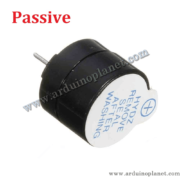
- Passive buzzer: Has no built-in oscillator and needs an external audio-frequency signal. This allows the controller or oscillator to set the tone and frequency.
Check the module’s printed polarity and signal labels before connecting power. Do not exceed its stated supply range or the current limit of the control pin.