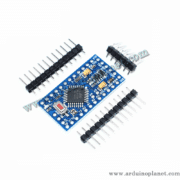
Description
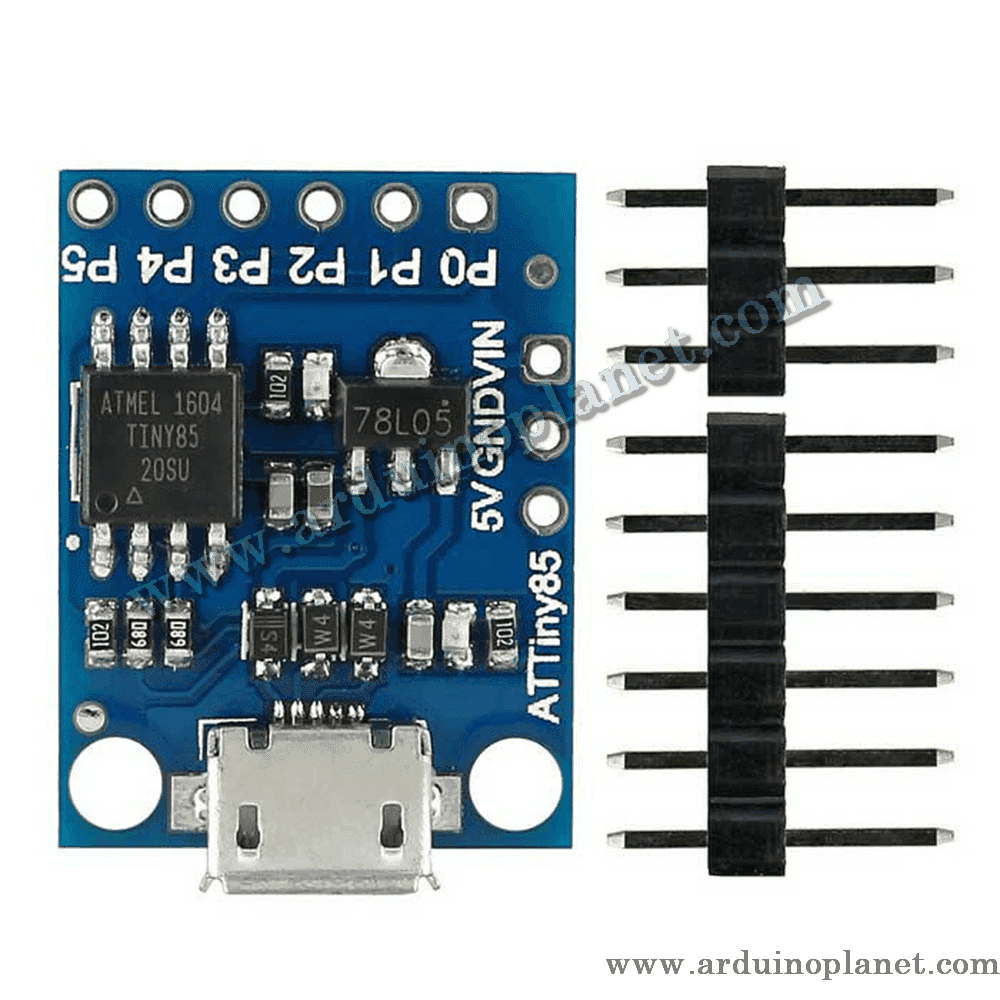
ATtiny85 Development Board
The ATtiny85 development board is a compact microcontroller board, similar to an Arduino but smaller and less powerful. It uses a micro-USB port for programming and power. It is ideal for projects where space is limited and for people getting started with electronics.
Specifications
- Microcontroller: ATtiny85
- IDE support: Arduino IDE 1.0+ (OS X, Windows, Linux)
- Power: Micro-USB or an external 5 V / 7–15 V source
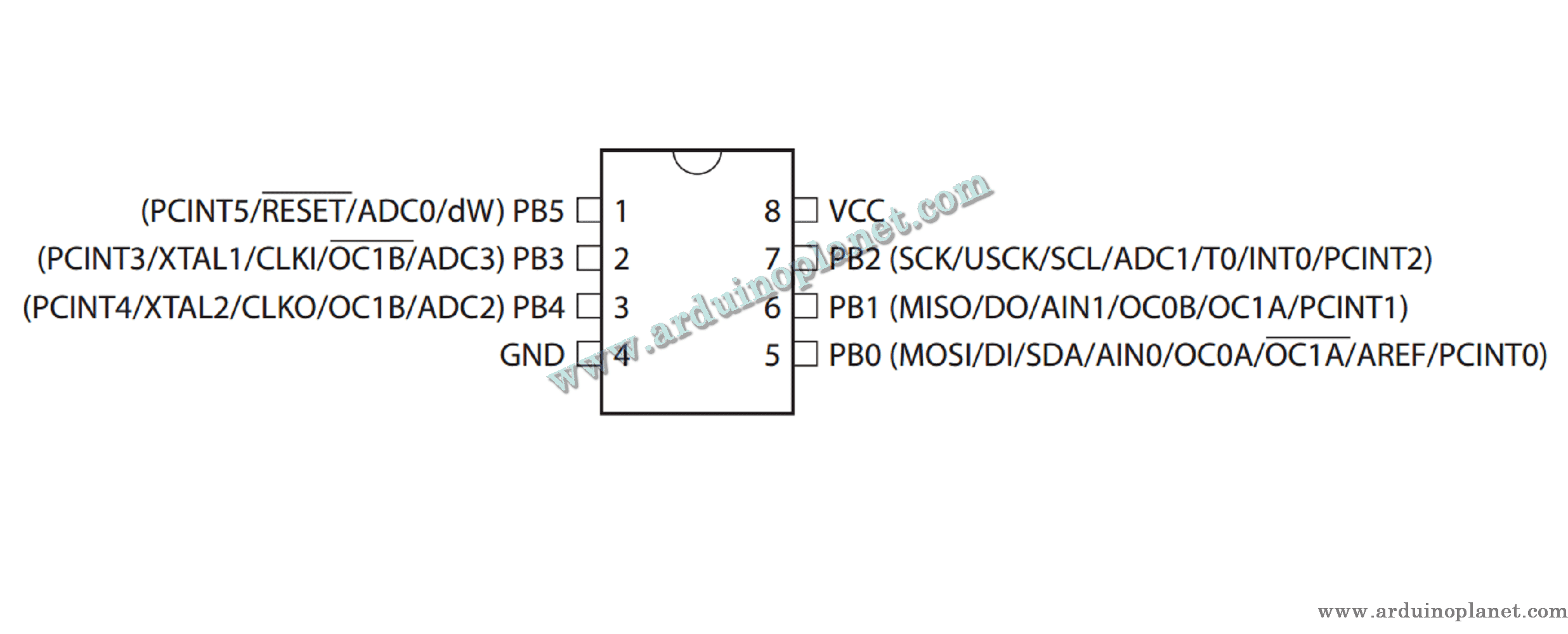
- I/O pins: 6 (2 used for USB)
- Flash memory: 8 KB (6 KB after the bootloader)
- Interfaces: I2C, SPI, PWM, ADC
Operation
Program the ATtiny85 microcontroller using the Arduino IDE. It can be powered through micro-USB or an external source. The available pins let you connect a range of sensors and components.
Applications
- DIY projects: Ideal for compact electronics projects.
- Educational projects: Learn programming and electronics.
- Embedded projects: For devices that require low power consumption.
How to use it
- Set up the Arduino IDE:
- Download and install the Arduino IDE.
- Connect:
- Connect the ATtiny85 board to a computer using a micro-USB cable.
- Program:
- Use the Arduino IDE to write and upload sketches to the board.
Required connections and components
- Micro-USB cable: For programming and power.
- Electronic components: LEDs, sensors and other parts required by your project.
Keywords: atmel, avr, development.