Description
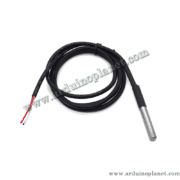
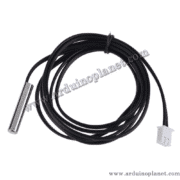
DS18B20 Temperature Sensor with Probe
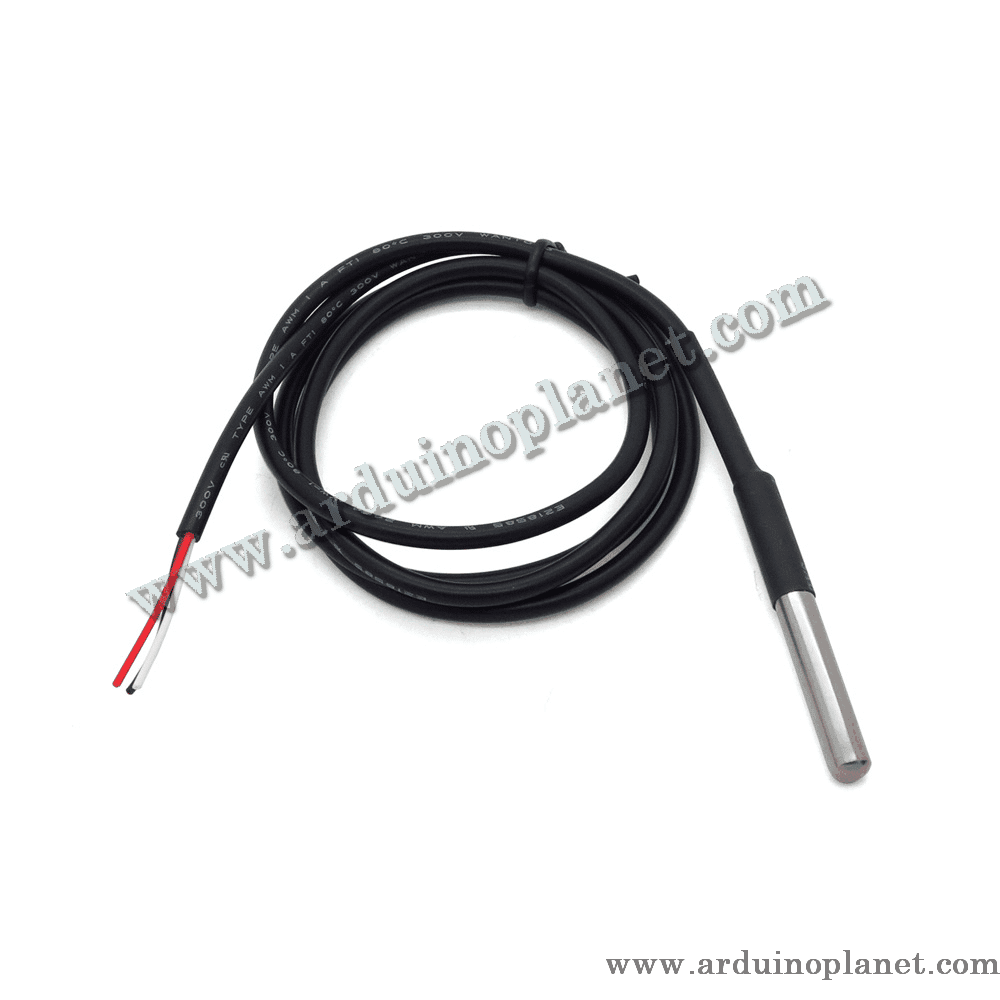
This waterproof-probe DS18B20 is a digital temperature sensor that communicates with a microcontroller such as Arduino over a 1-Wire bus. It measures from −55 °C to +125 °C, with ±0.5 °C accuracy from −10 °C to +85 °C.
Specifications
- Supply voltage: 3.0–5.5 V
- Temperature range: −55 °C to +125 °C
- Accuracy: ±0.5 °C from −10 °C to +85 °C
- Resolution: programmable from 9 to 12 bits
- Interface: 1-Wire
- Address: unique 64-bit address per sensor, allowing multiple sensors on one bus
- Probe dimensions: Ø6 × 35 mm
- Cable length: 1 m
How it works
The 1-Wire bus uses one data line (plus ground) to communicate with the microcontroller. The sensor can also use parasite power from the data line, so an external supply connection may not be required.
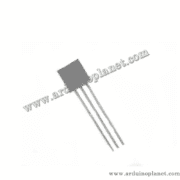
Pinout
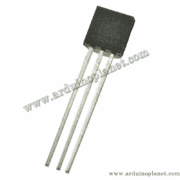
- Pin 1 — GND: ground
- Pin 2 — DQ: Arduino digital pin; use a 4.7 kΩ pull-up resistor to VCC
- Pin 3 — VDD: 3.3 V or 5 V supply; leave unconnected when using parasite power
Applications
- HVAC and environmental control
- Temperature monitoring in buildings, equipment and machinery
- Process control and temperature regulation
Using it with Arduino Uno
Required components
- 1 × DS18B20 probe sensor
- 1 × Arduino Uno
- 1 × 4.7 kΩ resistor
- Jumper wires and a breadboard
- Optional: 1602 I2C LCD for the advanced example
Basic example: display temperature in the serial monitor
#include <OneWire.h>
#include <DallasTemperature.h>


// Définir la broche de données
#define ONE_WIRE_BUS 2


// Créer une instance de la bibliothèque OneWire
OneWire oneWire(ONE_WIRE_BUS);


// Passer la référence OneWire à la bibliothèque DallasTemperature
DallasTemperature sensors(&oneWire);


void setup() {
  Serial.begin(9600);
  sensors.begin();
}


void loop() {
  sensors.requestTemperatures(); // Envoyer la commande pour obtenir les températures
  float temperatureC = sensors.getTempCByIndex(0); // Lire la température en Celsius
  Serial.print("Température: ");
  Serial.print(temperatureC);
  Serial.println(" °C");
  delay(1000); // Attendre 1 seconde
}
Advanced example: display temperature on an I2C LCD
#include <OneWire.h>
#include <DallasTemperature.h>
#include <Wire.h>
#include <LiquidCrystal_I2C.h>


#define ONE_WIRE_BUS 2 // Pin connectée au capteur DS18B20


OneWire oneWire(ONE_WIRE_BUS);
DallasTemperature sensors(&oneWire);
LiquidCrystal_I2C lcd(0x27, 16, 2); // Adresse I2C de l'écran LCD


void setup() {
  lcd.begin();
  lcd.backlight();
  sensors.begin();
}


void loop() {
  sensors.requestTemperatures();
  float temperatureC = sensors.getTempCByIndex(0);
  lcd.setCursor(0, 0);
  lcd.print("Temp: ");
  lcd.print(temperatureC);
  lcd.print(" C");
  delay(1000);
}
Wiring for the sensor and LCD example
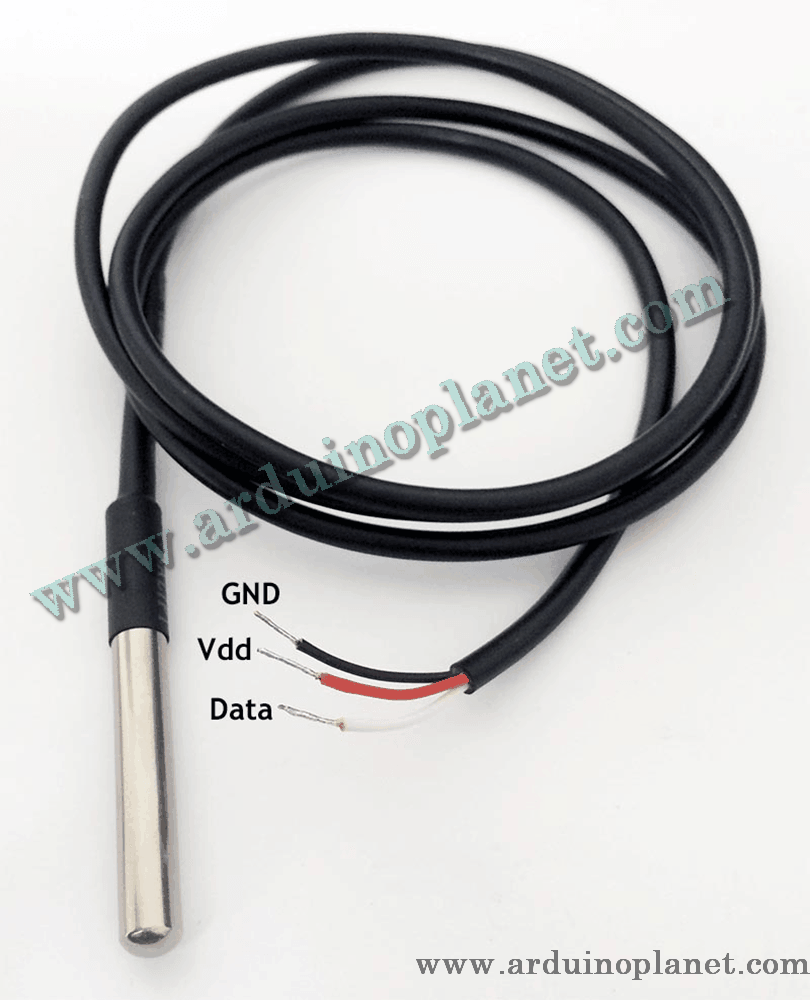
- VCC (red): Arduino 5 V
- GND (black): Arduino GND
- DQ (yellow): Arduino digital pin 2, with a 4.7 kΩ pull-up resistor between DQ and VCC
- LCD SDA: Arduino A4
- LCD SCL: Arduino A5
Library installation
- In the Arduino IDE, open Sketch → Include Library → Manage Libraries and install
OneWire. - Repeat the steps to install
DallasTemperature. - For the LCD example, also install
LiquidCrystal_I2C.
Keywords: DS18B20 probe, temperature sensor, waterproof temperature sensor, Arduino temperature measurement, 1-Wire sensor.