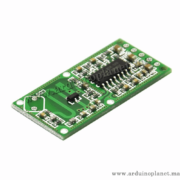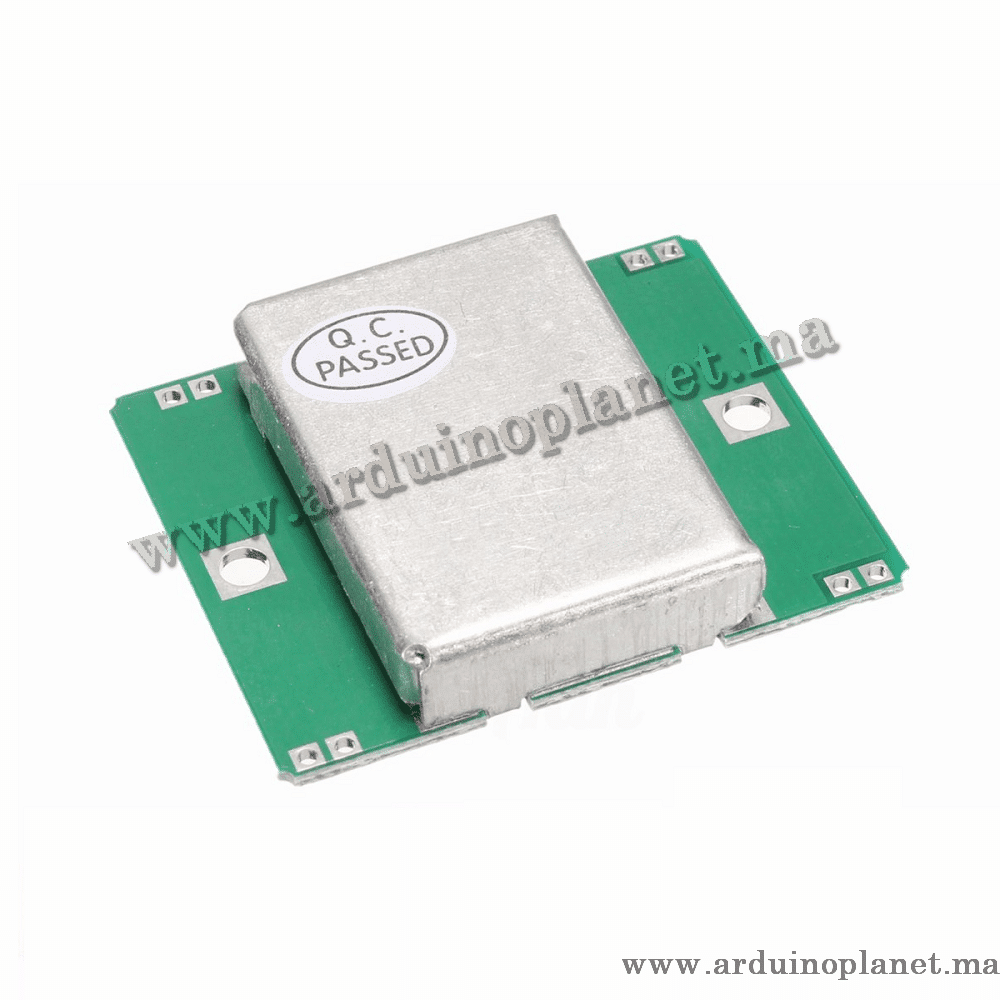
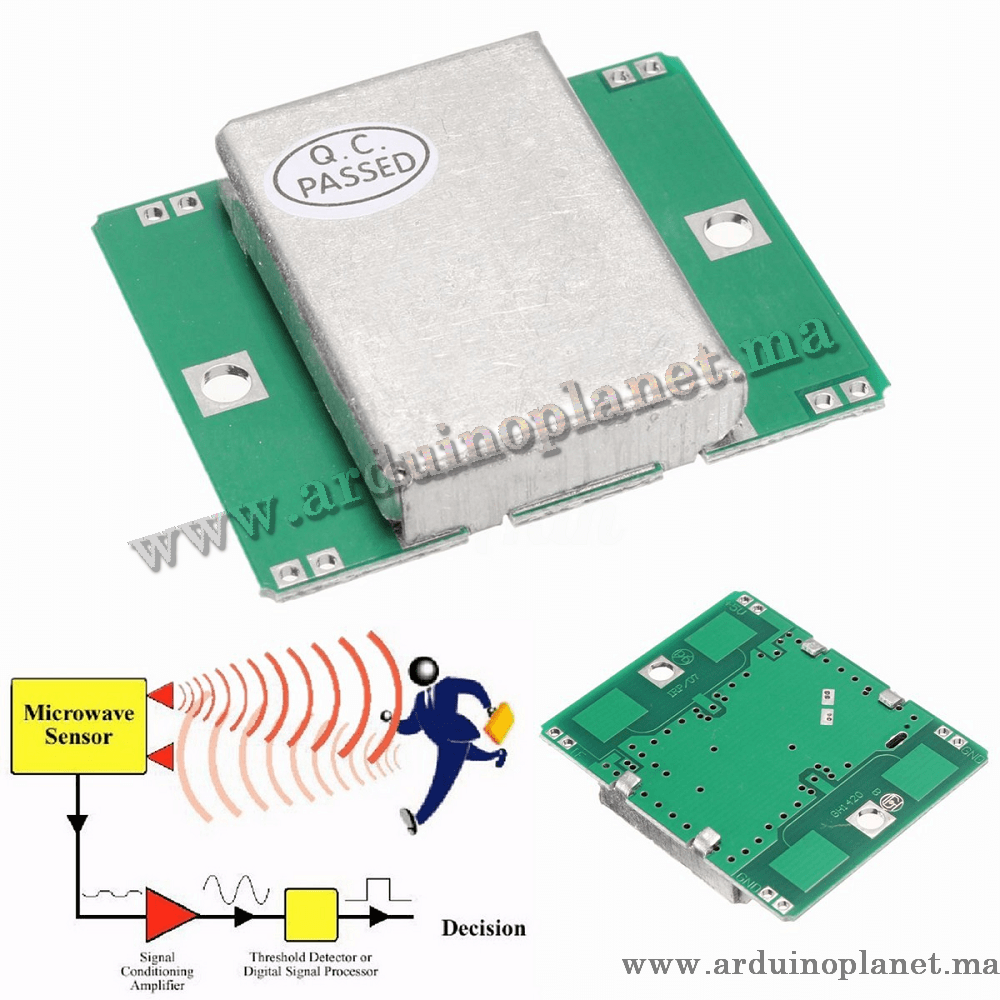
Description
HB100 Doppler Microwave Motion and Speed Sensor Module
The HB100 is a Doppler microwave sensor listed for detecting movement and speed. The source states an operating frequency of 10.525 GHz and lists security systems, automatic doors and speed measurement among possible applications.
Specifications stated by the source
- Operating frequency: 10.525 GHz
- Supply: 5 V DC
- Typical current: 40 mA
- Maximum detection distance: 20 m (source-listed)
- Output: analog IF signal
- Detection angle: 15°
- Dimensions: 46 × 40 × 11 mm
- Weight: 8 g
- Price: MAD 80
The sensor detects Doppler frequency changes in reflected microwaves. The source says its analog output may be amplified and processed to estimate speed. Its 20 m range and 15° angle are listing claims and depend on setup and conditions.
Arduino Uno wiring listed
Parts: HB100 module, Arduino Uno, jumper wires and breadboard; a signal amplifier may be needed. Connect VCC to 5 V, GND to GND and IF to analog input A0.
Source example 1: serial output
const int sensorPin = A0; // Broche connectée à la sortie du capteur
void setup() {
  Serial.begin(9600);
}


void loop() {
  int sensorValue = analogRead(sensorPin);
  float frequency = sensorValue * (5.0 / 1023.0);
  float speed = frequency / 31.36; // Conversion de la fréquence en vitesse en mph
  Serial.print("Vitesse: ");
  Serial.print(speed);
  Serial.println(" mph");
  delay(500);
}
Important: the source example converts an analogRead value into a frequency and then speed using a fixed factor. This is not a validated measurement method for the HB100 as listed. Use a suitable IF amplifier and a verified frequency-measurement and calibration method before relying on speed values.
Source example 2: 1602 I²C LCD
Parts listed: HB100, Arduino Uno, 1602 I²C LCD, jumper wires and breadboard; an amplifier may be needed. Connect the sensor VCC/GND to 5 V/GND and IF to A0. Connect LCD SDA to A4 and SCL to A5.
#include <Wire.h>
#include <LiquidCrystal_I2C.h>

LiquidCrystal_I2C lcd(0x27, 16, 2); // Adresse I2C de l'écran LCD

const int sensorPin = A0; // Broche connectée à la sortie du capteur

void setup() {
lcd.begin();
lcd.backlight();
Serial.begin(9600);
}

void loop() {
int sensorValue = analogRead(sensorPin);
float frequency = sensorValue * (5.0 / 1023.0);
float speed = frequency / 31.36; // Conversion de la fréquence en vitesse en mph

lcd.setCursor(0, 0);
lcd.print("Vitesse:");
lcd.setCursor(0, 1);
lcd.print(speed);
lcd.print(" mph");

Serial.print("Vitesse: ");
Serial.print(speed);
Serial.println(" mph");
delay(500);
}
Pin mapping from the source
- HB100 VCC: 5 V
- HB100 GND: GND
- HB100 IF: Arduino analog input, such as A0
- LCD SDA: A4; LCD SCL: A5
Software
The examples use Wire and LiquidCrystal_I2C. The source recommends installing the LiquidCrystal_I2C library through the Arduino IDE Library Manager.
The supplied code is reproduced as listed; verify the circuit, IF amplification and calibration for your setup.