Description
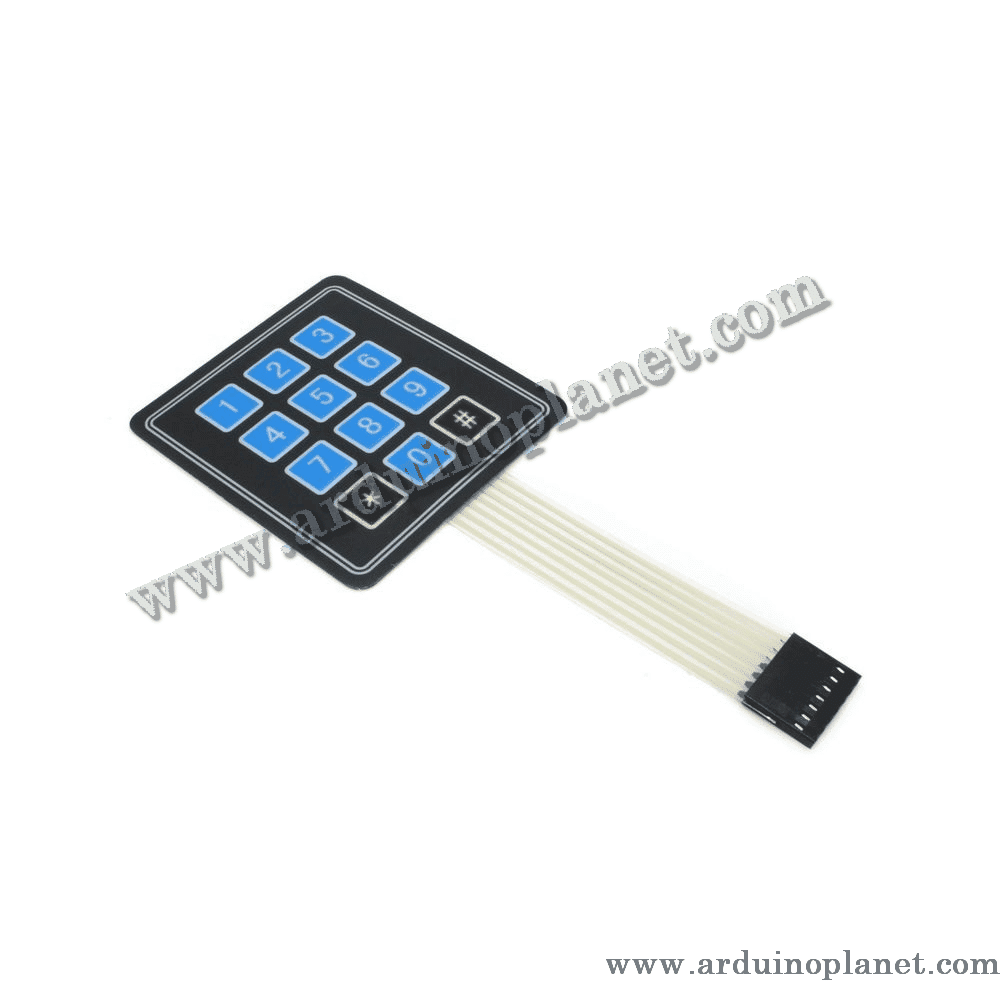
4×3 12-Key Matrix Keypad
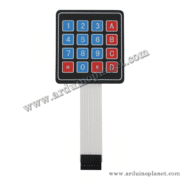
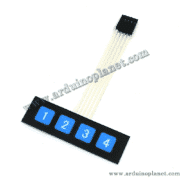
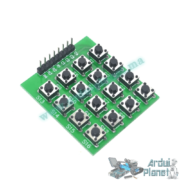
The 4×3 12-key matrix keypad provides a versatile user interface for electronics and home-automation projects.
This input device has 12 buttons arranged in 4 rows and 3 columns. When a key is pressed, it connects a row to a column so the controller can identify the key. It is suitable for projects that need several input options, such as security systems, access-control systems, and automation projects.
Detailed Specifications
- Configuration: 4 rows x 3 columns
- Number of keys: 12
- Operating voltage: 5V DC
- Contact type: Membrane
- Dimensions: 70mm x 77mm
- Interface: 7 pins (4 rows, 3 columns)
- Service life: Up to 1 million presses per key
Operation
The keypad scans its rows and columns to detect pressed keys. Pressing a key connects a row to a column, enabling the microcontroller to identify it. The scanning process is generally managed by a library in development environments such as Arduino.
Applications
- Security systems: Entering codes for access control.
- Automation: User interfaces for machines or home-automation systems.
- Electronics prototyping: Development projects that require user input.
How to Use It with an Arduino Uno
You will need:
- 1 x 4×3 12-key matrix keypad
- 1 x Arduino Uno
- Connecting wires
- Breadboard
Wiring instructions:
- Connect the keypad: Connect its 7 pins to Arduino digital pins (for example, pins 2 through 8).
- Use the Keypad library:
- Install the Keypad library in the Arduino IDE.
- Use the code below to read keypad input.
Arduino Uno code example:
#include <Keypad.h>


const byte ROWS = 4; // quatre lignes
const byte COLS = 3; // trois colonnes
char keys[ROWS][COLS] = {
  {'1','2','3'},
  {'4','5','6'},
  {'7','8','9'},
  {'*','0','#'}
};


byte rowPins[ROWS] = {9, 8, 7, 6}; // Connecté aux pins des lignes du clavier
byte colPins[COLS] = {5, 4, 3}; // Connecté aux pins des colonnes du clavier


Keypad clavier = Keypad(makeKeymap(keys), rowPins, colPins, ROWS, COLS);


void setup() {
  Serial.begin(9600);
}


void loop() {
  char key = clavier.getKey();
  if (key) {
    Serial.println(key);
  }
}
Code Explanation
- Keypad library: The code includes the Keypad library to handle the matrix keypad. Install this library in the Arduino IDE before using it.
- Row and column declarations:
ROWSandCOLSdefine the number of rows and columns. Thekeysarray assigns a character to each key. - Row and column pins: The
rowPinsandcolPinsarrays specify the Arduino pins connected to the keypad rows and columns. - Keypad initialization: The
Keypadobject is created using the key map (makeKeymap), row and column pins, and keypad dimensions. - Serial communication setup:
setup()initializes serial communication at 9600 baud to display pressed keys in the Serial Monitor. - Reading keys: In the main
loop(),getKey()reads a pressed key. If a key is pressed (if (key)), its character is displayed usingSerial.println(key).
Pinout
- L1 – L4: Connected to Arduino digital pins (for example, 9 through 6) for the rows.
- C1 – C3: Connected to Arduino digital pins (for example, 5 through 3) for the columns.
Keywords: matrix keypad, 4×3 keypad, user interface, access control, 12-key keypad, matrix, keyboard.