Description
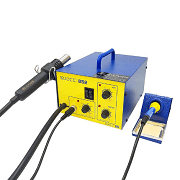
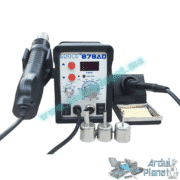
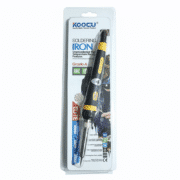
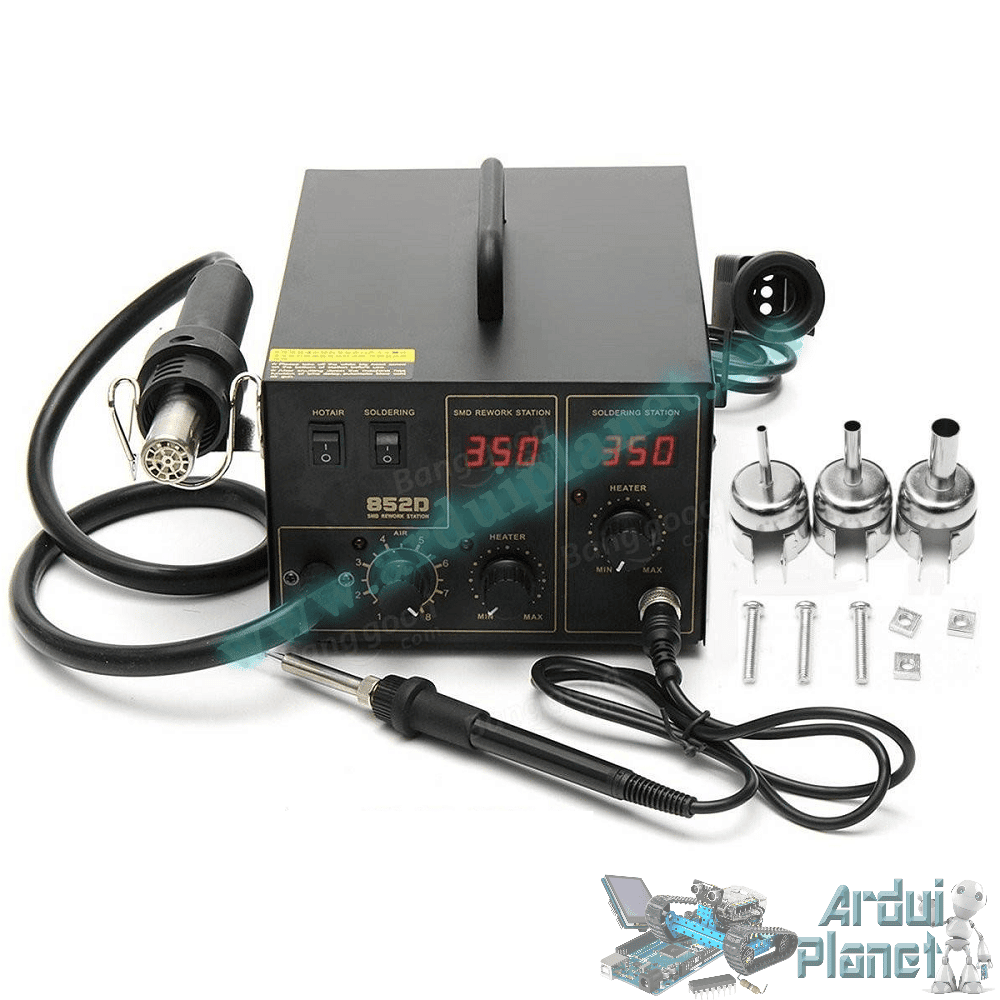
KOOCU 852D Hot-Air Rework and Soldering Station
The KOOCU 852D is a 2-in-1 station with an adjustable hot-air gun and integrated soldering iron. It is listed for SMD desoldering, board repair, IC replacement and conventional soldering. Temperature and airflow controls are independent.
Specifications listed
- Brand: KOOCU
- Model: 852D
- Type: 2-in-1 rework and soldering station
- Power supply: 220 V AC, 50/60 Hz
- Electrical power: 320 W (as listed)
- Pump: diaphragm
- Maximum airflow: 24 L/min
- Hot-air temperature: 100–450 °C
- Soldering-iron temperature: 200–480 °C
- Display: temperature indicators
- Soldering-iron holder: included
- Adjustable temperature and airflow
Features
- Adjustable hot air for SMD rework
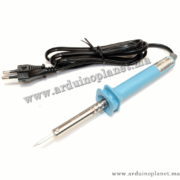
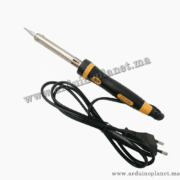
- Integrated iron for general electronics soldering
- Adjustable airflow for different component sizes
- Independent control of the two functions
- For repair and prototyping
- Combined station saves workbench space
Applications listed
- Desoldering SMD, SOIC, QFP and PLCC components
- IC replacement
- Electronic-board repair
- Soldering wires, connectors and through-hole components
- Smartphone and computer repair
- Heat-shrink tubing
- Arduino, ESP32 and Raspberry Pi boards
- Electronics prototyping and maintenance
Before first use
Important: remove the transport screws securing the pump underneath the station before switching it on. Operating it with the screws installed may cause excessive vibration or damage the pump.
- Place the station on a stable, heat-resistant surface.
- Remove the transport screws from the underside.
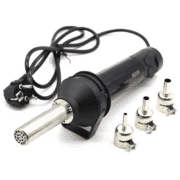
- Fit a suitable nozzle to the hot-air handle.
- Place the iron and hot-air handle in their holders.
- Connect it to a properly grounded mains outlet.
- Work in a well-ventilated area or use fume extraction.
Removing an SMD component
- Disconnect power to the board and discharge its capacitors.
- Apply a small amount of soldering flux around the leads.
- Select a nozzle suited to the component.
- Begin with moderate airflow.
- Choose a temperature appropriate for the component and solder type.
- Move the nozzle in circles; do not hold it over one spot.
- When the solder melts, gently lift the component with ESD-safe tweezers.
- Let the board cool naturally before cleaning the pads.
Start with moderate temperature and airflow, then increase gradually. Excessive heat can lift PCB traces or damage nearby components.
Using the soldering iron
- Fit a clean tip suited to the task.
- Switch on the iron and set its temperature.
- Lightly tin the tip with solder wire.
- Heat the component lead and pad together.
- Apply a small amount of solder.
- Remove the solder wire, then the iron, without moving the joint.
- Clean the tip regularly with a suitable sponge or brass wool.
Shutdown and cooling
After hot-air use, reduce the temperature and let air continue flowing until the handle cools. Then switch off the station and allow it to cool fully before moving or storing it.
Safety
- Do not touch the nozzle or iron tip during use.
- Do not direct hot air at people, cables or flammable materials.
- Wear eye protection.
- Use ventilation or fume extraction.
- Never leave the station unattended while operating.
- Unplug it before maintenance.
- The unit operates from 220 V AC; only a qualified person should open it.