Description
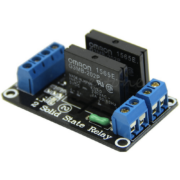
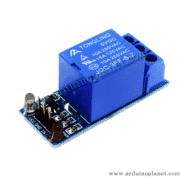
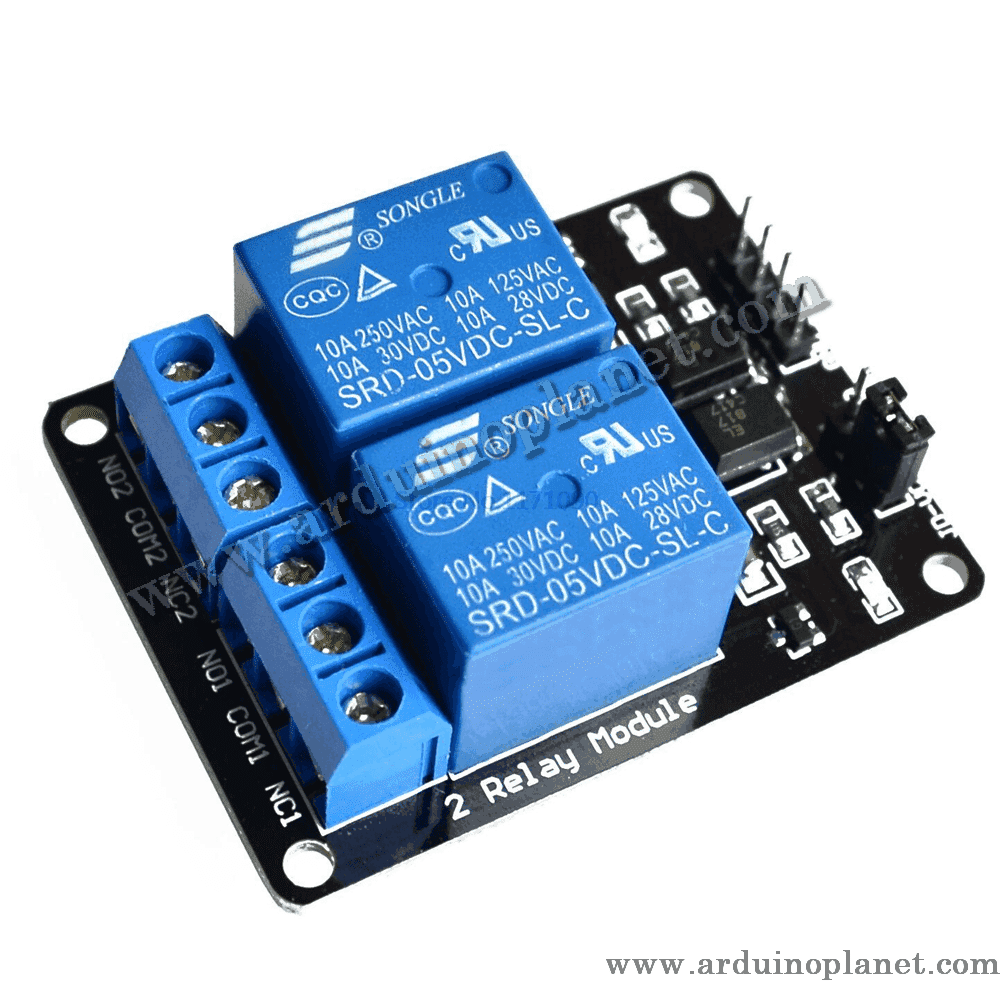
2-Channel 5V Relay Module
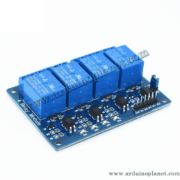
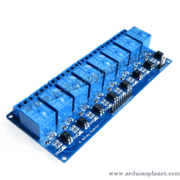
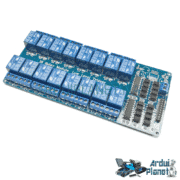
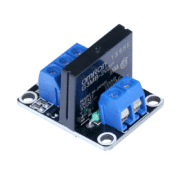
The 5V two-channel relay module is a switching device used to control AC and DC loads. It is compatible with microcontrollers such as Arduino and Raspberry Pi, allowing electrical devices to be controlled remotely.
Detailed Specifications
- Relay type: Electromechanical relay
- Number of channels: 2
- Control voltage: 5V DC
- Rated current: 10A
- Contact configuration: SPDT (Single Pole Double Throw)
- Load rating: AC250V 10A, DC30V 10A
- LED indicators: Indicate relay status
- Dimensions: 92 x 46 x 20 mm
- Trigger: Active LOW
- Isolation: Optocoupler isolation
How It Works
The relay uses an electromagnetic coil activated by a 5V control voltage to open or close its contacts. This allows high-power electrical loads to be controlled with a low-voltage signal while providing effective isolation and reliable switching.
Applications
- Industrial automation: Switching motors, heaters, and other industrial equipment.
- Security systems: Used in alarm systems to activate sirens or signaling devices.
- Home automation: Controlling lighting and electrical appliances in smart homes.
- Electronics projects: Ideal for prototyping and development with Arduino and other microcontrollers.
How to Use It with an Arduino Uno
To use this module with an Arduino Uno, you will need the following components:
- 1 x 5V 2-channel relay module
- 1 x Arduino Uno
- Connecting wires
- Breadboard
Wiring instructions:
- Power the module: Connect the module’s VCC pin to the Arduino 5V pin and its GND pin to Arduino GND.
- Control inputs: Connect the module’s IN1 and IN2 pins to Arduino digital outputs (for example, pins 7 and 8).
- Load connections: Connect the relay output terminals (NO and COM) to the load you want to control. The NO terminal is normally open and closes when the relay is activated.
Arduino Uno code example:
const int relaisPin1 = 7; // Pin de commande du premier relais
const int relaisPin2 = 8; // Pin de commande du second relais


void setup() {
  pinMode(relaisPin1, OUTPUT); // Définit la pin de commande comme une sortie
  pinMode(relaisPin2, OUTPUT); // Définit la pin de commande comme une sortie
}


void loop() {
  digitalWrite(relaisPin1, LOW); // Active le premier relais
  digitalWrite(relaisPin2, LOW); // Active le second relais
  delay(5000); // Attend 5 secondes
  digitalWrite(relaisPin1, HIGH); // Désactive le premier relais
  digitalWrite(relaisPin2, HIGH); // Désactive le second relais
  delay(5000); // Attend 5 secondes
}
Code Explanation
- Control pin declaration: Arduino Uno pins 7 and 8 are configured as outputs to control the relays.
- Relay setup: In
setup(), the pins are initialized as outputs. - Main loop:
- Each relay is activated by sending a LOW signal to its respective control pin, closing the connected circuits.
- The program waits for 5 seconds.
- The relays are then deactivated by sending a HIGH signal to their control pins, opening the circuits.
- The program waits another 5 seconds before repeating the cycle.
Pinout
- VCC: Connected to the 5V power supply
- GND: Connected to ground (GND)
- IN1 and IN2: Control inputs for each relay, connected to digital outputs on the Arduino
- NO1 and NO2: Normally open contacts, connected to the load for each relay
- COM1 and COM2: Common terminals, connected to the load’s power supply
Keywords: solid-state relay, 2-channel module, industrial automation, automatic lighting, home automation, relay, channel.