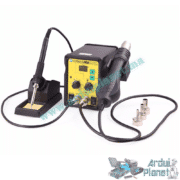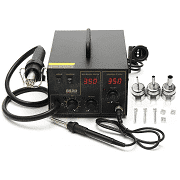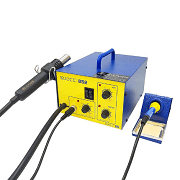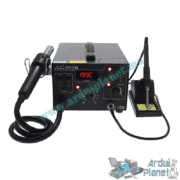
Description
OSS TEAM T12-D+ Soldering Station
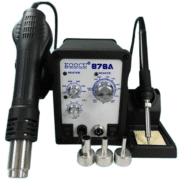
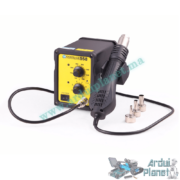
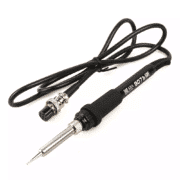
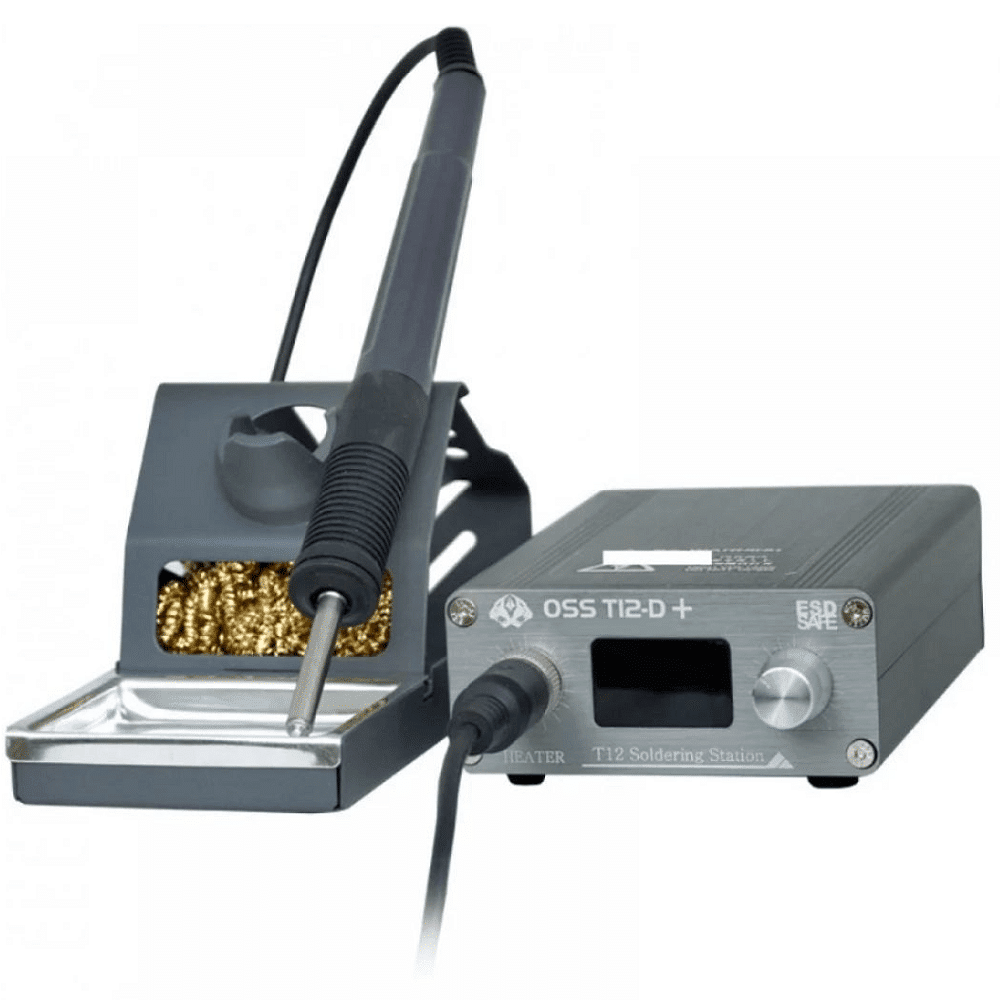
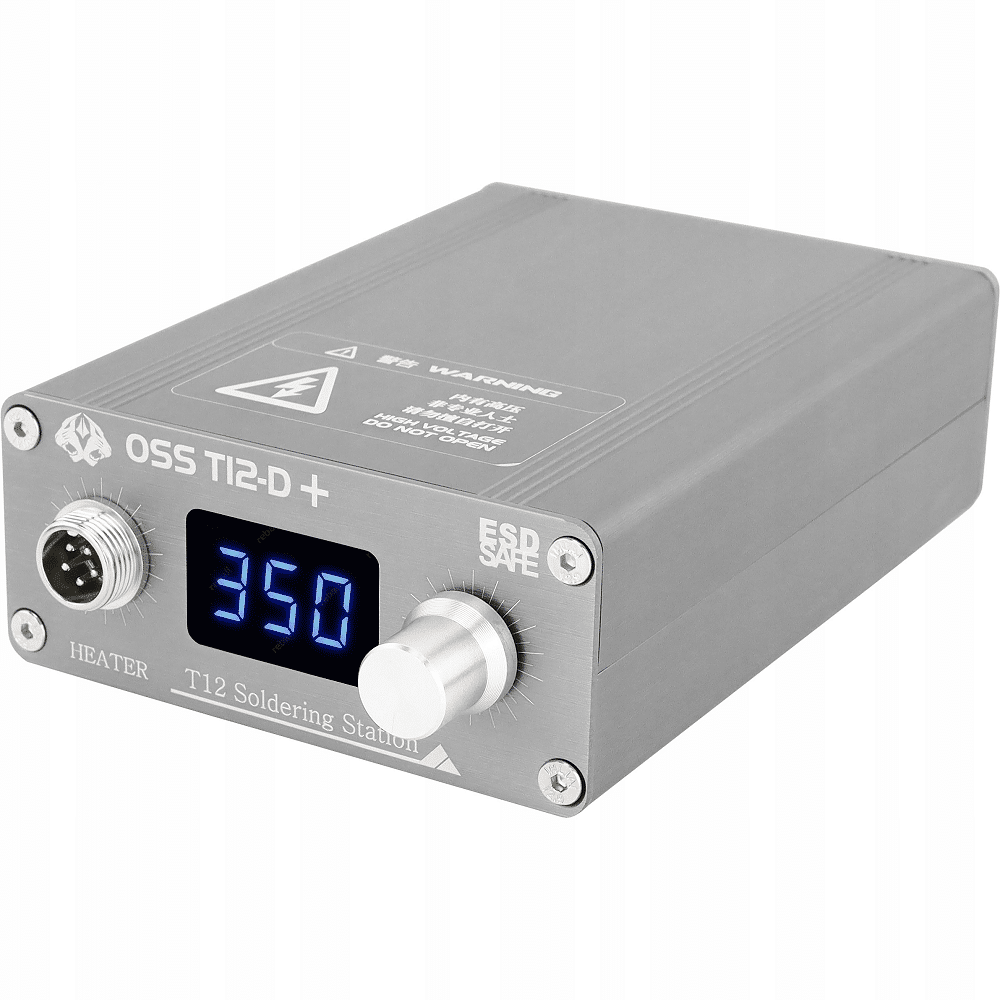
Soldering station with a T12 soldering tip, digital temperature-control display, iron holder, cleaning sponge and power cable, as listed by the seller.
Specifications and included items
- Brand: OSS TEAM
- Model: T12-D+
- Tip type: T12
- Digital temperature display
- Materials: metal and plastic (listed)
- Accessories: soldering iron holder, cleaning sponge and power cable
Use and care
- Connect the power cable and insert the T12 tip as instructed by the product manual.
- Switch on and set the desired temperature using the display.
- Clean the tip with the supplied sponge and return the iron to its holder after use.
Work in a well-ventilated area or use fume extraction. Keep the hot tip away from skin, flammable materials and the power cable. Disconnect the station before changing the tip or servicing it. Use eye protection; gloves can reduce dexterity around hot tools.