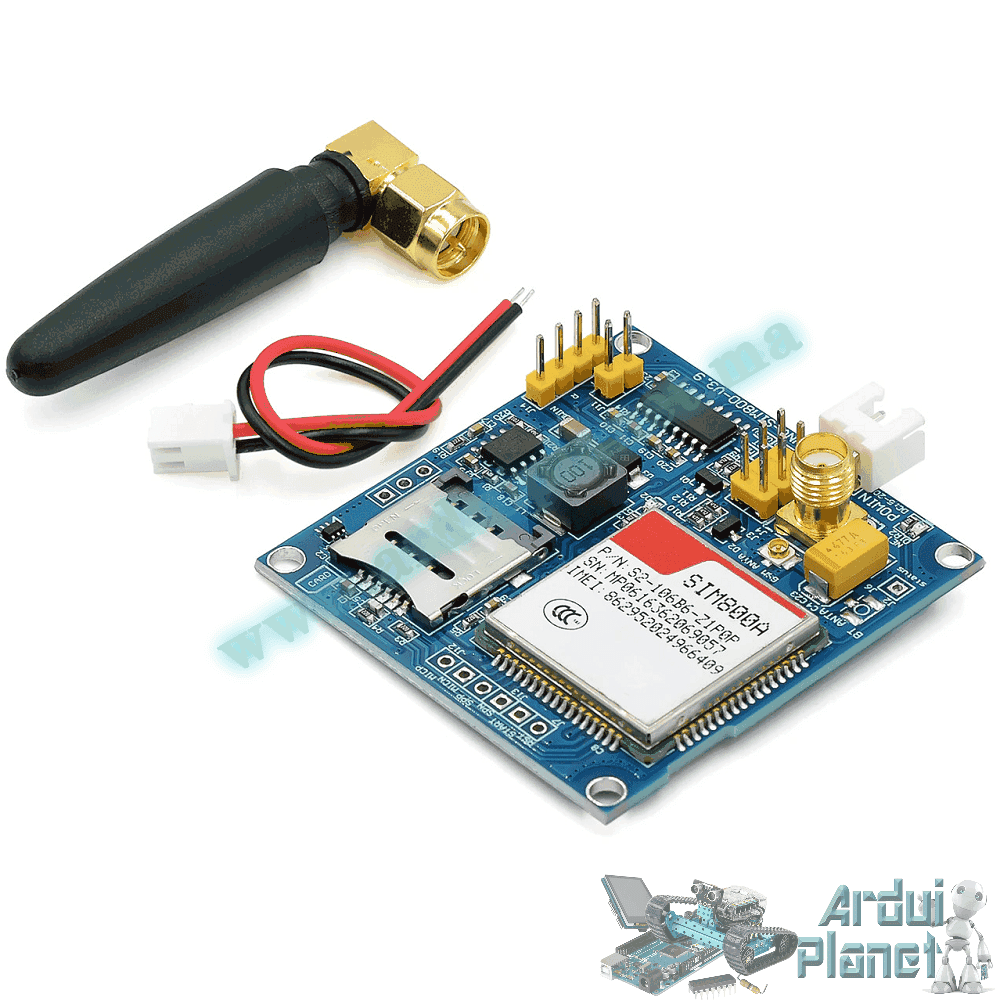
Description
SIM800A GSM/GPRS Modem Board
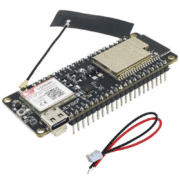
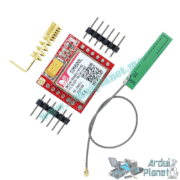
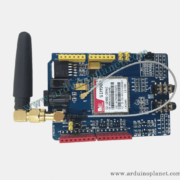
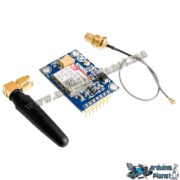
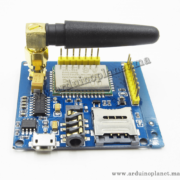
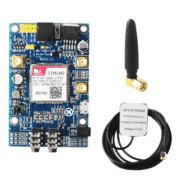
This board uses the SIM800A GSM/GPRS modem and provides serial connections for use with a computer or microcontroller. The listing describes voice, SMS and data functions, an onboard SIM holder, network-status LED, TCP/IP stack for GPRS, low-battery indication, and an external antenna connector.
Band compatibility: the board listing claims GSM 850/900/1800/1900 MHz. SIMCom’s SIM800A product documentation identifies the SIM800A modem itself as dual-band 900/1800 MHz. The board description and modem variant may not match; verify the modem marking, regional variant and supported bands before purchase. Operation also requires a compatible 2G GSM network and SIM service in your location; availability depends on the operator and may change.
Board specifications listed
- GSM bands claimed by this listing: 850, 900, 1800 and 1900 MHz
- GPRS: class 2/10 (as listed)
- Coding schemes: CS-1 to CS-4
- Transmit power listed: Class 4 (2 W), Class 1 (1 W)
- Control: AT commands, including 3GPP TS 27.007/27.005 and SIMCom extensions
- Board input: 9–12 V DC, with at least 2 A peak-current capability (as listed)
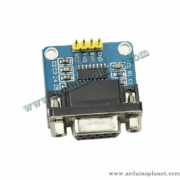
- Serial interface: board listing describes 5 V MCU communication, TTL RX/TX and DB9 RS232; confirm the exact connector and voltage levels before wiring
- Configurable baud rate; 9600 baud is stated as the default
- Weight: 40 g
- Operating temperature: −40 to +85 °C (as listed)
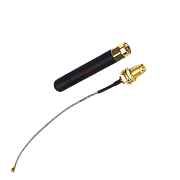
- Antenna: external finger-style antenna connector
The SIM800A modem chip itself uses a 3.4–4.4 V supply and can require up to 2 A peak during transmission, according to SIMCom’s hardware design guide. The board’s listed 9–12 V input is for the carrier board and must not be applied directly to the modem’s VBAT pins. Check the board schematic, polarity, regulator and serial logic levels before connecting.
Basic serial use
Connect the modem to a computer through a suitable USB-to-serial adapter or connect it to a microcontroller through a correctly voltage-matched serial interface. Select the adapter’s COM port in Device Manager, then open a terminal at the configured baud rate (the listing gives 9600 baud as default). Send AT commands terminated with a carriage return; for example, the source gives AT\r. A working modem typically returns OK for a supported test command. The listing says its interface follows the SIMCom AT command set and 3GPP TS 27.007/27.005.
Applications listed
- Remote data monitoring and control
- Water, gas and oil metering
- Automatic meter reading (AMR)
- Power-plant monitoring and control
- Remote point-of-sale (POS) terminals
- Traffic-light monitoring and control
- Fleet management
- Power-distribution network supervision
- Central-heating system monitoring
- Weather-station data transmission
- Hydrological data acquisition
- Vending machines
- Traffic-information guidance
- Parking meters and taxi monitoring
- Telecom equipment supervision, including mobile base stations, microwave links and optical relay stations