Description
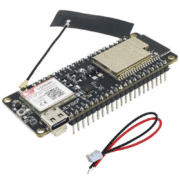
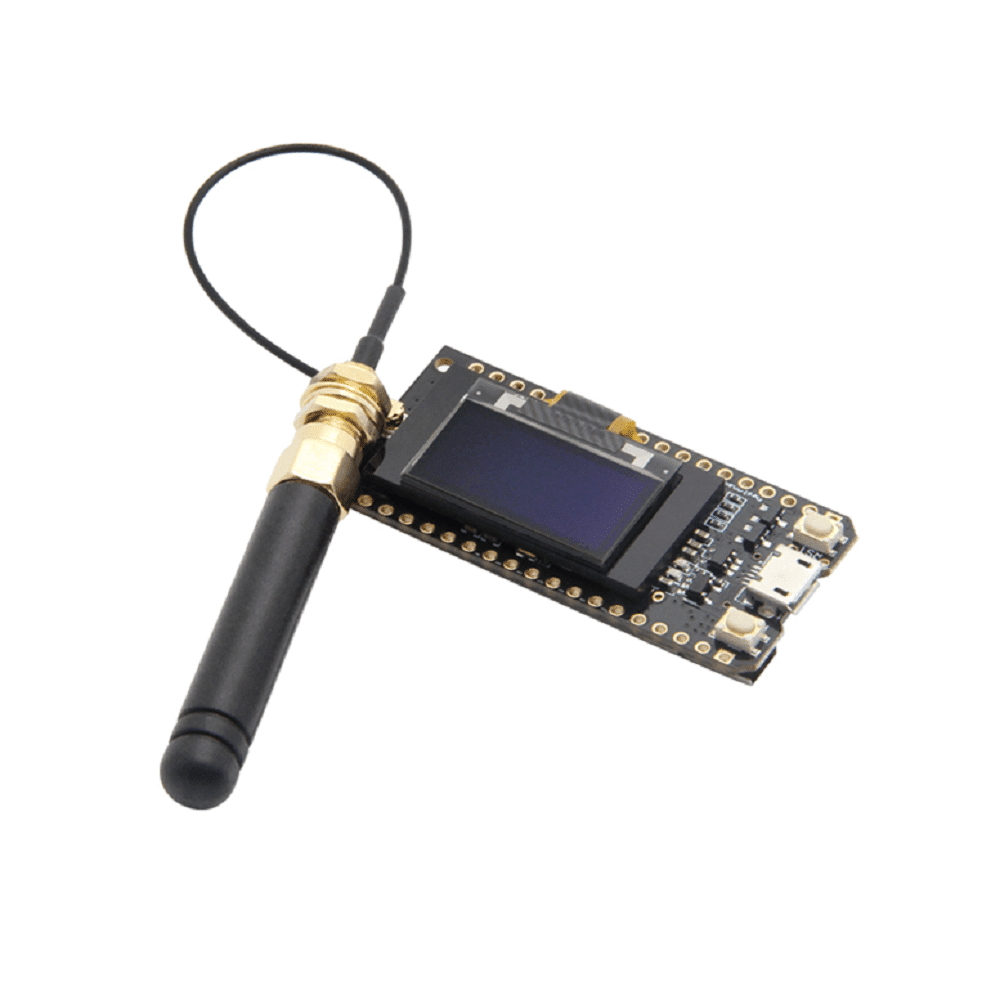
TTGO LoRa32 V1.3 ESP32 Board, 868MHz LoRa and OLED
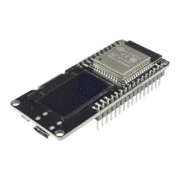
Compact development board described as an ESP32 dual-core module with Semtech SX1276 LoRa radio for 868MHz, Wi-Fi, Bluetooth and a 0.96-inch 128×64 OLED display. Board variants can differ; verify the exact revision and component markings.
Specifications stated in the listing
- ESP32 dual-core Xtensa LX6, up to 240MHz
- Flash: 4MB; SRAM: 520KB (listed)
- LoRa radio: SX1276, 868MHz as listed
- Display: 0.96-inch OLED, 128×64 pixels
- Wi-Fi 802.11 b/g/n; Bluetooth 4.2 BR/EDR and BLE (listed)
- Interfaces listed: UART, SPI, I²C, SDIO, PWM, I²S, ADC, DAC and capacitive sensing
- Battery connector: JST 1.25mm; 3.7–4.2V Li-ion/LiPo range and 500mA charging circuit as stated
- USB supply: 5V/1A via micro-USB; dimensions approximately 53 × 25 × 7.5mm; weight approximately 6.5g
Use only the radio frequency and power level permitted in your region; 868MHz modules are not interchangeable with every regional LoRa band. Confirm the board’s antenna connection and local radio regulations. The battery connector polarity and charging circuit must be verified on the exact board before attaching a LiPo cell. Never leave a charging lithium battery unattended.
Arduino IDE setup
- Add the Espressif ESP32 board package URL shown in the first code block to Additional Boards Manager URLs.
- Install “esp32 by Espressif Systems” and select “ESP32 Dev Module”.
- Install Adafruit SSD1306 and Adafruit GFX from Library Manager.
OLED example
#include <Wire.h>
#include <Adafruit_GFX.h>
#include <Adafruit_SSD1306.h>

#define SCREEN_WIDTH 128
#define SCREEN_HEIGHT 64
#define OLED_RESET -1

Adafruit_SSD1306 display(SCREEN_WIDTH, SCREEN_HEIGHT, &Wire, OLED_RESET);

void setup() {
Serial.begin(115200);

if(!display.begin(SSD1306_SWITCHCAPVCC, 0x3C)) { // Adresse I2C 0x3C
Serial.println(F("Échec de l'initialisation de l'écran OLED"));
for(;;);
}

display.clearDisplay();
display.setTextSize(1);
display.setTextColor(SSD1306_WHITE);
display.setCursor(0,10);
display.println(F("TTGO LoRa32 V1.3"));
display.setCursor(0, 25);
display.println(F("OLED Fonctionnel!"));
display.display();
}

void loop() {
// Rien pour le moment
}
Expected display output
TTGO LoRa32 V1.3
OLED Fonctionnel!
Troubleshooting
If the display remains blank, check power and wiring, try I²C address 0x3D if 0x3C fails, and confirm the selected ESP32 board profile. The source’s three code/configuration blocks are reproduced unchanged.
ESP32 Arduino package URL:
https://raw.githubusercontent.com/espressif/arduino-esp32/gh-pages/package_esp32_index.json