Description
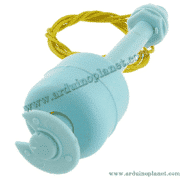
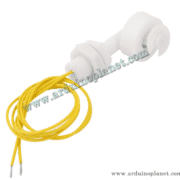
Vertical Stainless Steel Float Water Level Sensor – Normally Closed Contact
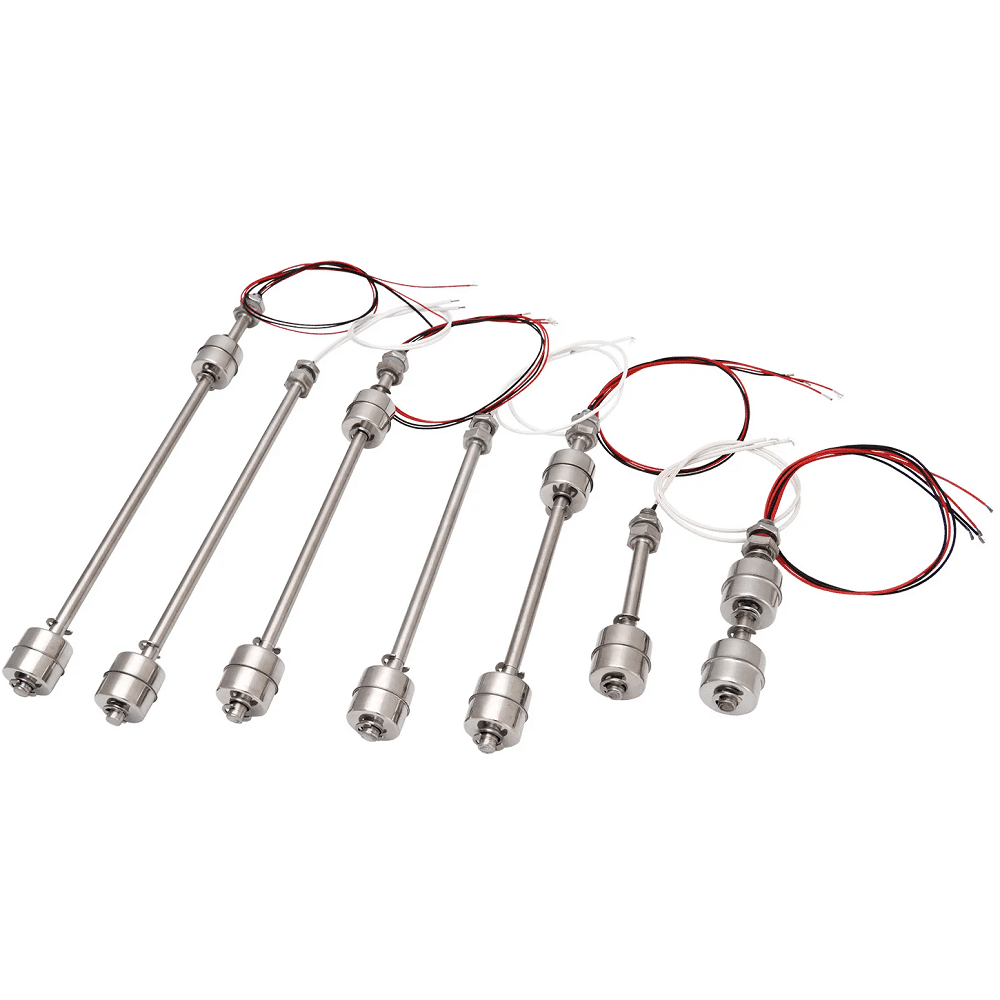
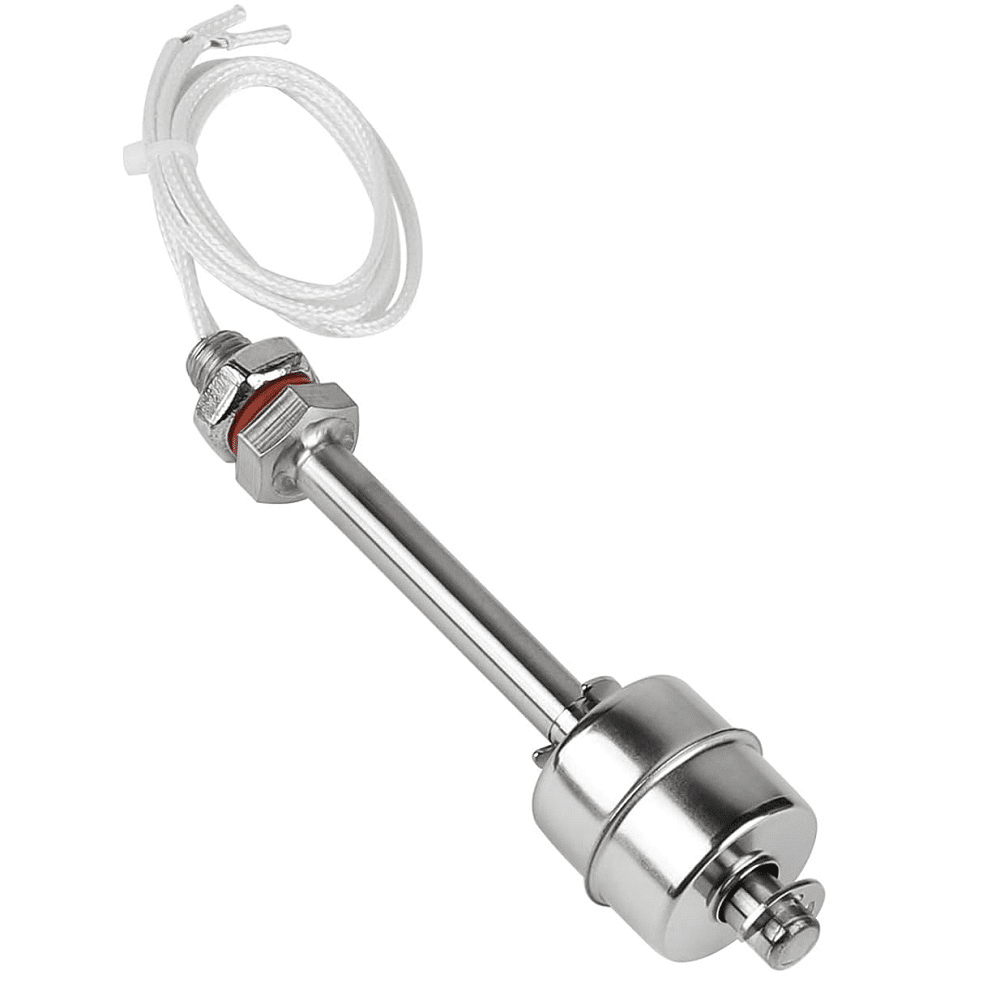
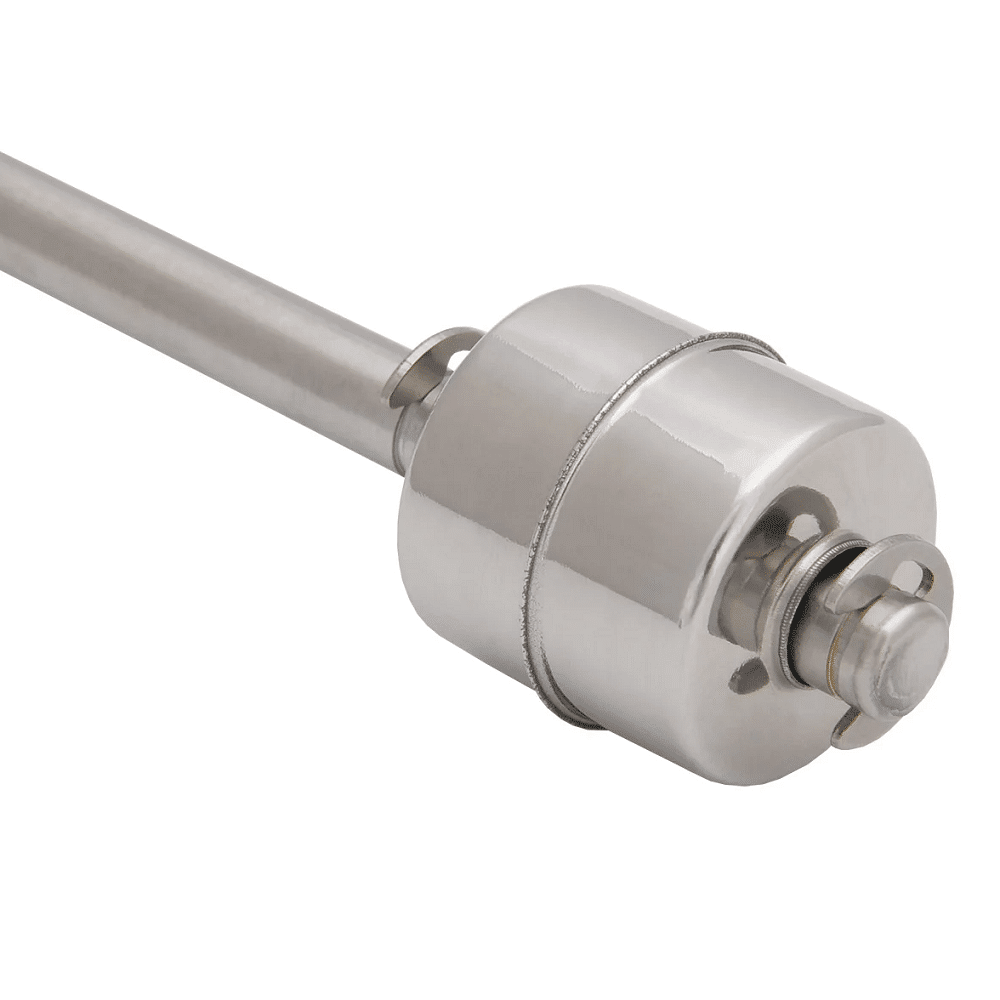
This vertical float sensor detects one or two liquid-level points in a tank or container, depending on the selected version. The float moves with the liquid and actuates an internal contact. It works as a switch; it does not continuously measure the liquid height.
The contact is normally closed (NC). Its state changes as the float moves. Before using this change to trigger an alarm or control equipment, check at which level it occurs in your installation.
Available versions
| Version | Nominal length | Number of floats | Detection points |
|---|---|---|---|
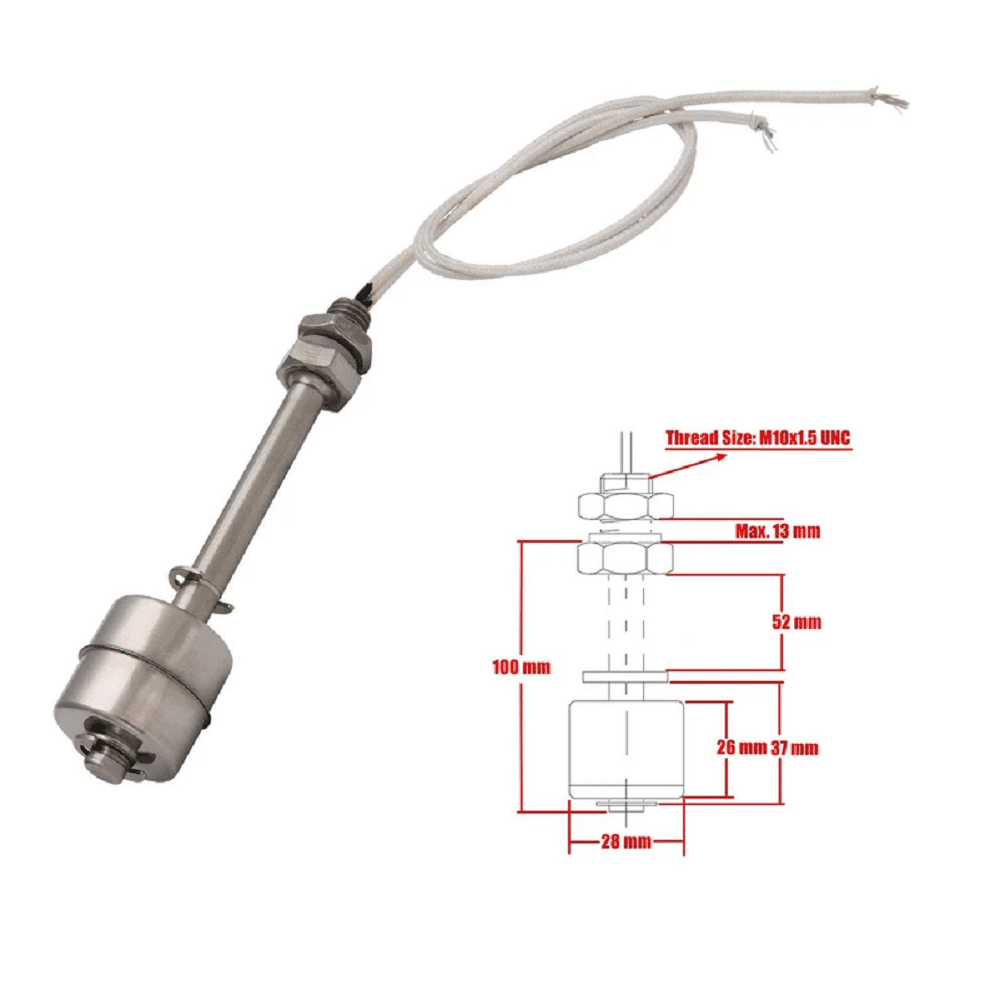
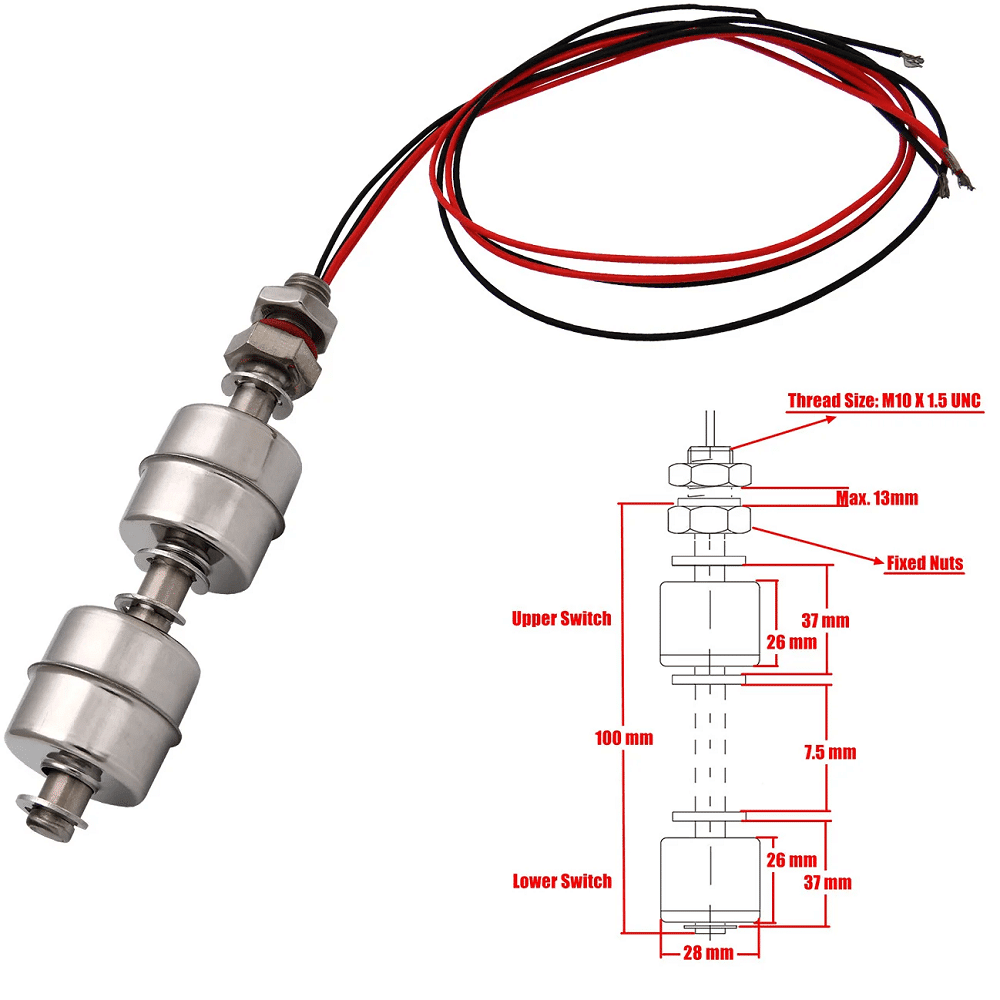
| 10 cm – single | 10 cm | 1 | 1 |
| 10 cm – double | 10 cm | 2 | 2 |
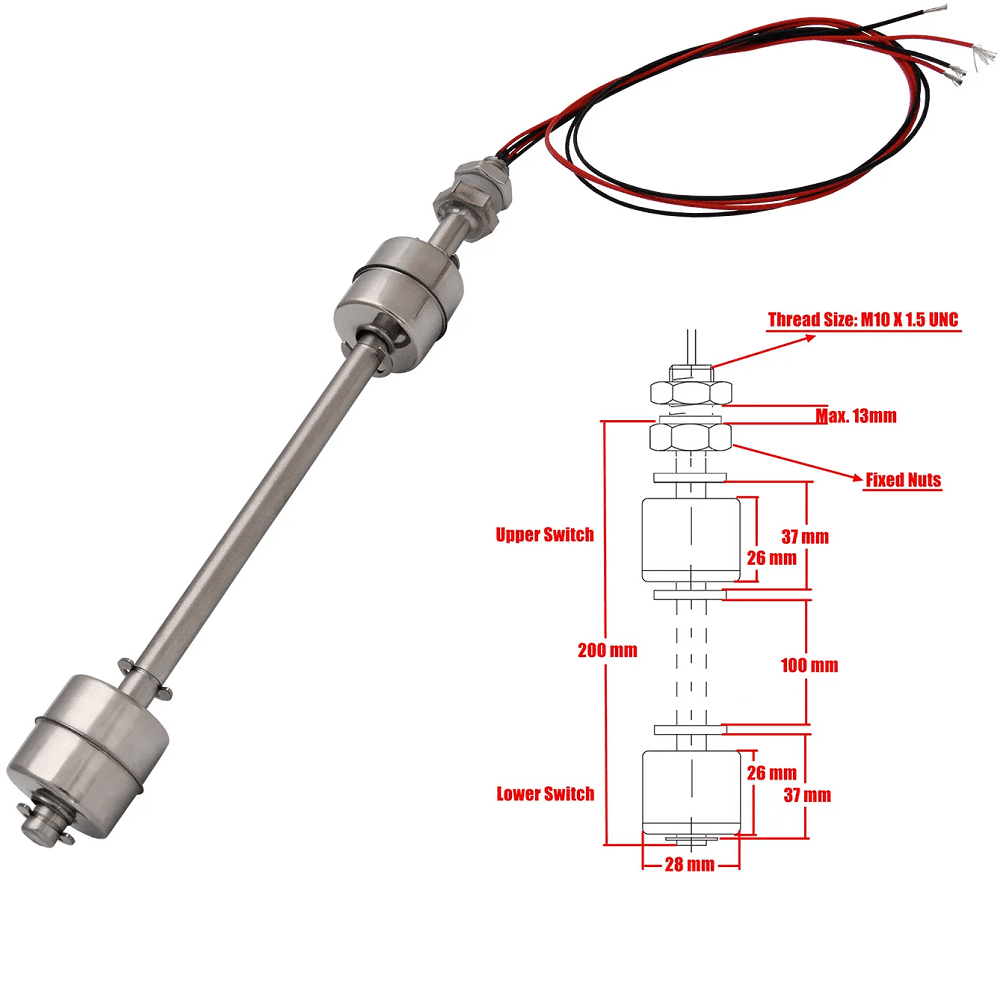
| 20 cm – double | 20 cm | 2 | 2 |
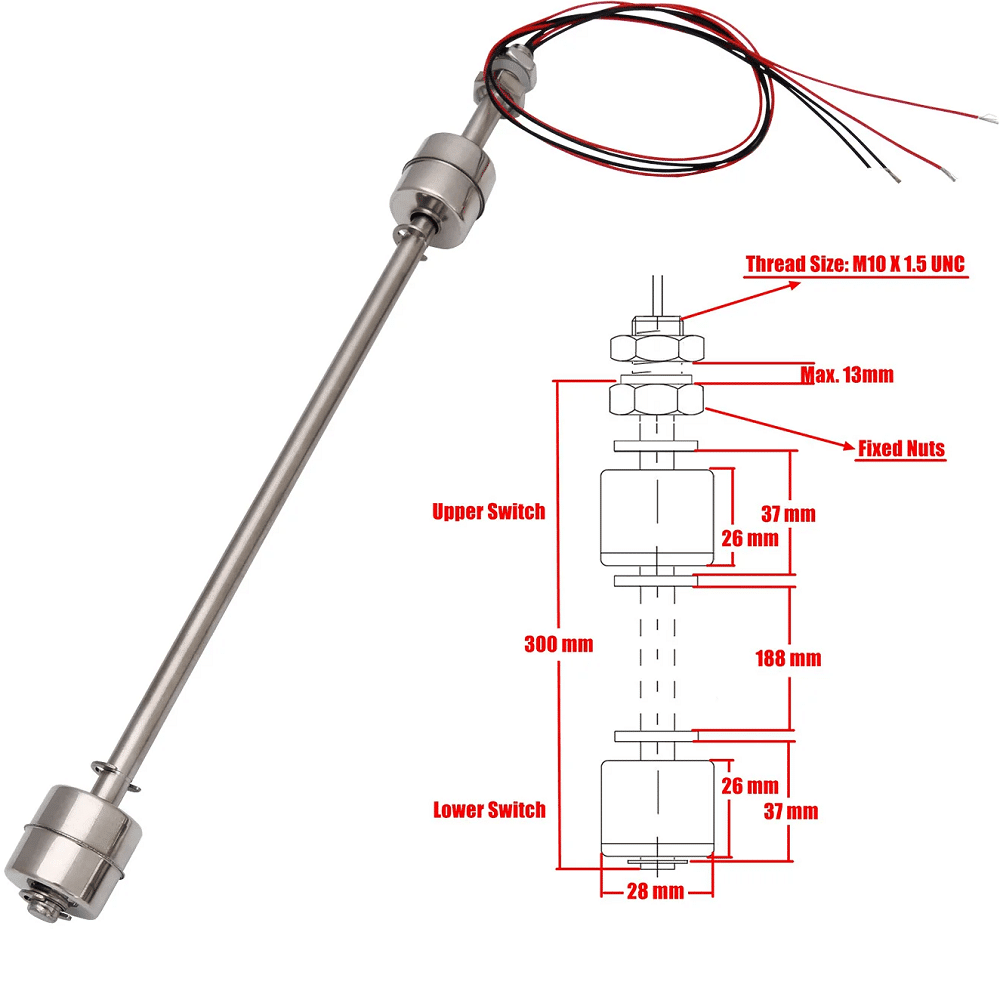
| 30 cm – double | 30 cm | 2 | 2 |
Versions with two floats detect two positions along the stem. Choose the stem length and float positions according to the levels you need to monitor.
Technical specifications
- Type: vertical float level sensor
- Material: stainless steel (SUS304)
- Contact: normally closed (NC)
- Available lengths: 10, 20, and 30 cm
- Number of floats: one or two, depending on the version
- Detection: one point for the single-float version; two points for double-float versions
- Mounting: vertical, with threaded fastening
Check the voltage, current, temperature, and pressure limits on the datasheet for the exact version you receive before installation.
Applications
- High- or low-level detection
- Monitoring tank filling
- Overflow alarms
- Protecting a pump from dry running
- Arduino and other control-system projects
Installation
- Choose the version that matches the levels to be detected.
- Mount the stem vertically in a suitable location.
- Secure the sensor with the supplied mounting hardware.
- Make sure each float can move freely without touching the tank wall or other parts.
- Identify the wires for each contact with a multimeter.
- Move each float by hand and verify the contact changes state before use.
Connecting to Arduino
For one float, connect its two contact wires to the Arduino as follows:
| Contact wire | Arduino Uno/Nano | Function |
|---|---|---|
| First wire | D2 | Detection input |
| Second wire | GND | Common ground reference |
For two separately wired floats, connect one pair of wires between D2 and GND, and the other between D3 and GND. Identify each pair with a multimeter first; do not rely on wire color alone.
Do not connect either contact wire directly to 5 V in this setup. With INPUT_PULLUP, the Arduino input reads HIGH when the contact is open and LOW when it is closed. Arduino documentation
Arduino code
Set nombreFlotteurs to 1 for the single-float version or 2 for a double-float version whose two contacts are wired separately.
const byte nombreFlotteurs = 2;  // 1 ou 2
const byte capteurPins[2] = {2, 3};

void setup() {
  Serial.begin(9600);

  for (byte i = 0; i < nombreFlotteurs; i++) {
    pinMode(capteurPins[i], INPUT_PULLUP);
  }
}

void loop() {
  for (byte i = 0; i < nombreFlotteurs; i++) {
    bool contactFerme = digitalRead(capteurPins[i]) == LOW;

    Serial.print("Flotteur ");
    Serial.print(i + 1);
    Serial.print(" : contact ");

    if (contactFerme) {
      Serial.println("ferme");
    } else {
      Serial.println("ouvert");
    }
  }

  Serial.println();
  delay(500);
}
Open the Serial Monitor at 9600 baud. The program displays the electrical state of each contact. Move the floats by hand to determine which state corresponds to the high or low level in your setup. The code does not automatically equate “contact closed” with “level reached.”
Precautions
- Check that the material and seals are compatible with the liquid.
- Verify the electrical limits of the received model before connecting a load.
- Use a suitably rated relay or contactor to control a pump, solenoid valve, or mains-powered load.
- Protect electrical connections from water and moisture.
- Never connect mains voltage to an Arduino input.
- Check applicable requirements before using it with drinking water or in a safety system.
Keywords: float switch, sensor, water, level.