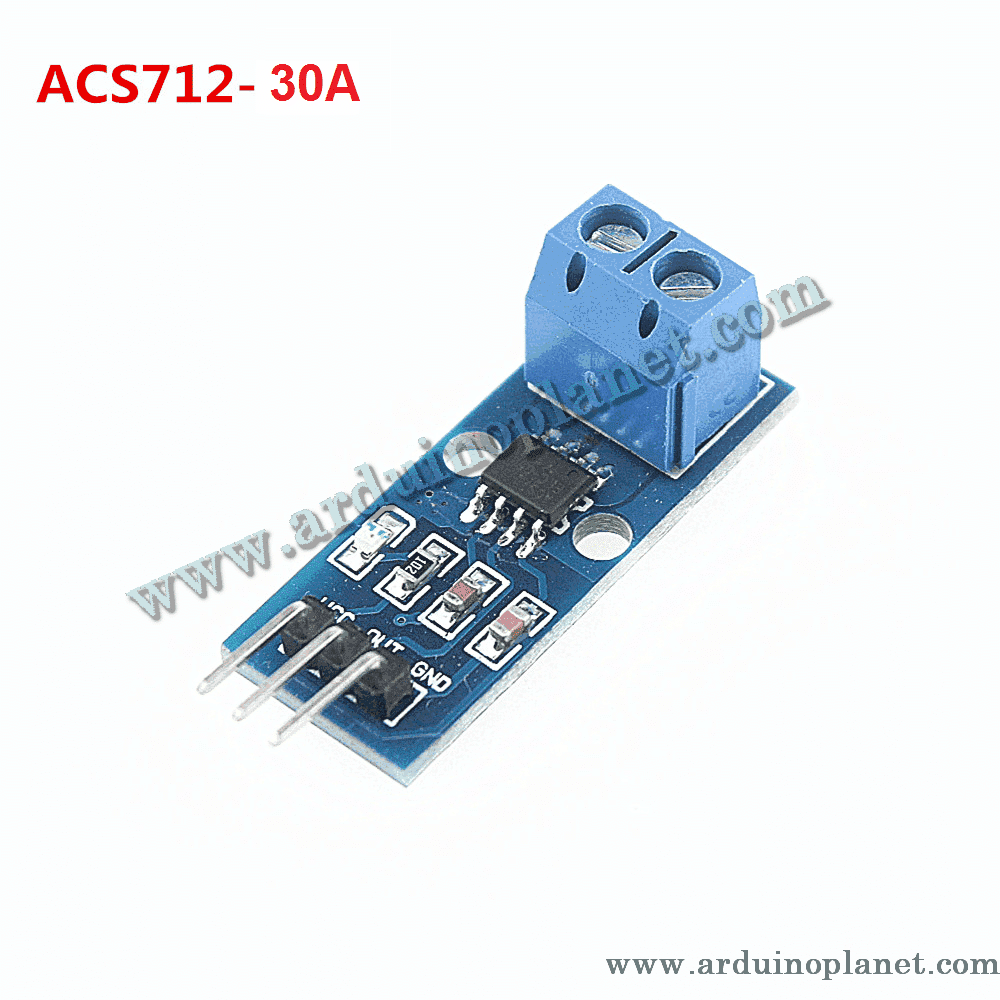
Description
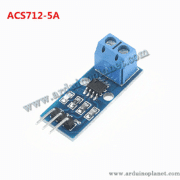
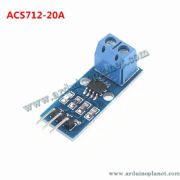
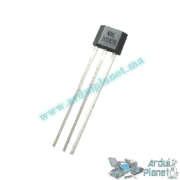
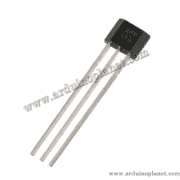
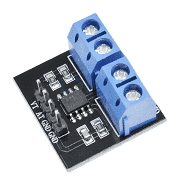
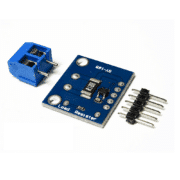
ACS712 30 A Hall-Effect Current Sensor Module
The ACS712 uses the Hall effect to measure current. Current passes through a copper path in the module, creating a magnetic field that the sensor converts into a proportional analog voltage. The source lists AC and DC measurement up to 30 A.
Specifications (as listed)
- Operating supply: 4.5–5.5 V DC
- Measurement range: −30 A to +30 A
- Sensitivity: 66 mV/A
- Output: analog voltage proportional to measured current
- Conductor isolation: 2.1 kV RMS (source-listed)
- Accuracy: ±1.5% (source-listed)
- Operating temperature: −40 °C to +85 °C
- Dimensions: compact; no exact dimensions provided
- Price: MAD 30 (regular price MAD 38)
- Stock: 191 units
Applications listed
- Current monitoring for motors and battery-charging systems
- Power management for electronic devices
- Overcurrent detection in circuits
- Robot and autonomous-machine prototyping
- Current detection and measurement in energy-management systems
Pinout
- VCC: supply, 4.5–5.5 V
- GND: ground
- OUT: analog output proportional to measured current
Connecting to Arduino
Connect VCC to the Arduino 5 V supply, GND to ground, and OUT to an analog input. The following basic example is reproduced exactly from the source:
#define CURRENT_SENSOR_PIN A0


void setup() {
  Serial.begin(9600);
}


void loop() {
  int sensorValue = analogRead(CURRENT_SENSOR_PIN);
  float analogVoltage = sensorValue * (5.0 / 1023.0);
  float current = (analogVoltage - 2.5) / 0.066; // Sensibilité de 66 mV/A pour 30A
  Serial.print("Current: ");
  Serial.print(current);
  Serial.println(" A");
  delay(1000);
}
What the basic code does
The code reads the sensor analog value, converts it to voltage and estimates current using the listed 66 mV/A sensitivity. It prints the result to the serial monitor.
Parts for the basic example
- Arduino Uno
- ACS712 current sensor module
- Jumper wires
Basic example wiring
- VCC: Arduino 5 V
- GND: Arduino GND
- OUT: Arduino A0
The formula assumes a 5 V ADC reference, 10-bit readings and a 2.5 V zero-current output. Actual offset and sensitivity vary; calibrate against a suitable reference. This example reports an instantaneous sample and does not calculate RMS current for AC.
Advanced Arduino example with LCD
The source also provides this LCD example. Its code is reproduced exactly, including the original comments:
#include <LiquidCrystal_I2C.h>


// Broches de connexion
#define CURRENT_SENSOR_PIN A0


// Constantes
const float V_REF = 5.0;
const int ADC_RESOLUTION = 1023;
const float ZERO_CURRENT_VOLTAGE = 2.5;
const float SENSITIVITY = 0.066; // Sensibilité du module 30A : 66 mV/A


LiquidCrystal_I2C lcd(0x27, 16, 2);


void setup() {
  lcd.begin();
  lcd.backlight();
  Serial.begin(9600);
}


void loop() {
  int sensorValue = analogRead(CURRENT_SENSOR_PIN);
  float analogVoltage = sensorValue * (V_REF / ADC_RESOLUTION);
  float current = (analogVoltage - ZERO_CURRENT_VOLTAGE) / SENSITIVITY;
  lcd.clear();
  lcd.setCursor(0, 0);
  lcd.print("Current: ");
  lcd.print(current, 2); // Affiche le courant avec 2 décimales
  lcd.print(" A");
  Serial.print("Current: ");
  Serial.print(current, 2);
  Serial.println(" A");
  delay(1000);
}
What the LCD example does
The example displays the ACS712 reading on an I2C LCD and sends it to the serial monitor.
Parts for the advanced example
- Arduino Uno
- ACS712 current sensor module
- 1602 I2C LCD
- Jumper wires
Advanced example explanation
- The
LiquidCrystal_I2C.hlibrary is included for the LCD. - The sensor signal pin is assigned to A0.
V_REFis set to the Arduino 5 V reference,ADC_RESOLUTIONto 1023,ZERO_CURRENT_VOLTAGEto 2.5 V, andSENSITIVITYto 0.066 V/A for the listed 30 A version.setup()initializes the LCD backlight and serial communication at 9600 baud.- The loop reads the analog input, converts it to voltage and estimates current from the zero-current voltage and sensitivity.
- The LCD is cleared, the result is shown to two decimal places, and the loop waits one second.
As with the basic sample, this is a simple illustrative calculation. It does not calculate AC RMS current; calibration, the actual module variant and the measurement circuit affect the result.
Library installation
The source says no special library is needed for the ACS712 itself. For the LCD example, install LiquidCrystal_I2C using the Arduino IDE Library Manager.
Electrical safety: The sensor supply pins are low voltage, but the measured conductor may carry hazardous current or voltage. Use appropriate isolation, wiring, fusing and test equipment for the circuit. Do not treat the listed isolation value as permission to work on live mains.