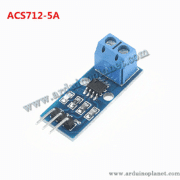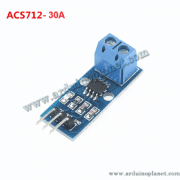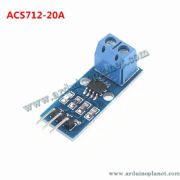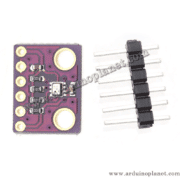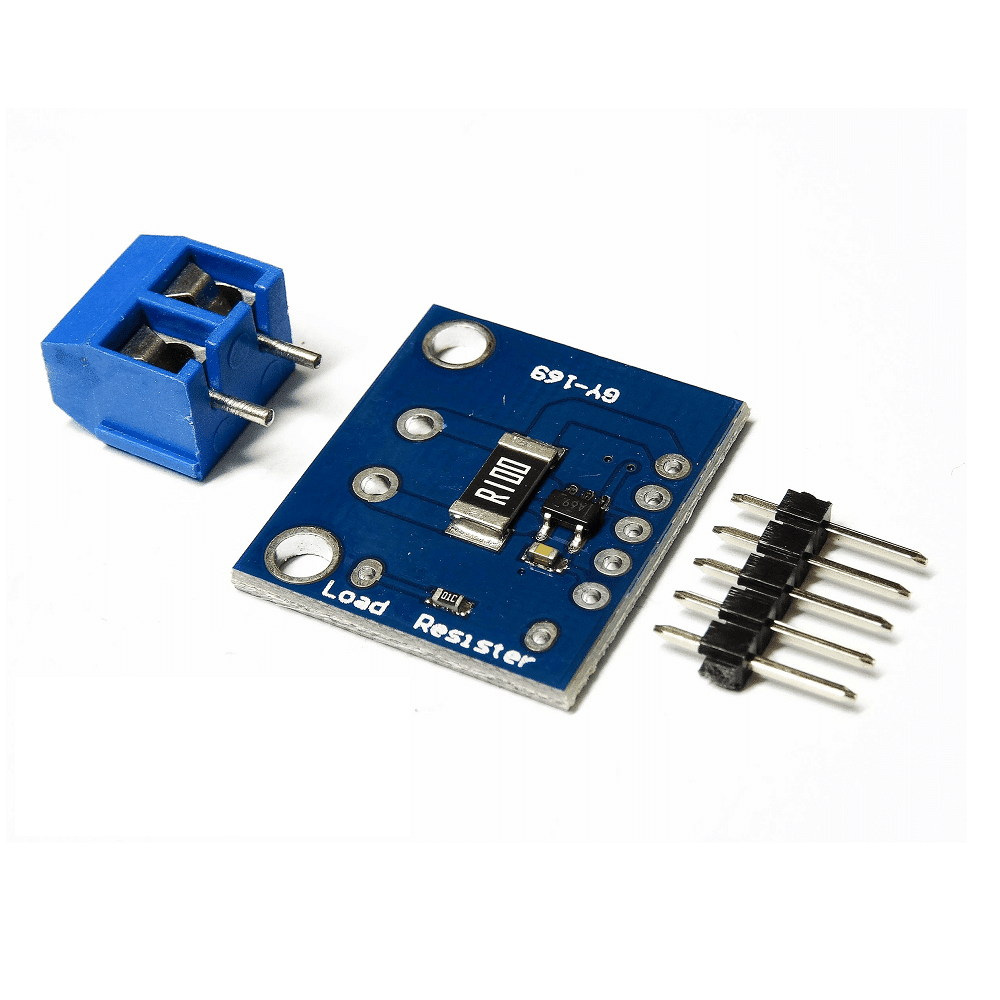
Description
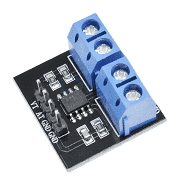
INA169 High-Side Current Sensor Module
The listing describes a module for measuring DC current and voltage and gives a measurement limit of up to 5A. Note: the INA169 IC is a high-side current-shunt monitor, not a Hall-effect sensor. The module listing also specifies a 0.1Ω, 1%, 2W shunt. A 5A current through 0.1Ω would dissipate 2.5W in that resistor, so do not assume 5A is a continuous safe rating for this board. Confirm the actual shunt, thermal conditions and board limits.
Specifications stated in the listing
- Operating/common-mode range: 2.7–60V DC
- Current measurement: up to 5A claimed by the listing
- Default sensitivity: 1V/A stated for the module; adjustable with a load resistor
- Output: analog voltage proportional to measured current
- Accuracy: ±1.5% stated in the listing
- Temperature range: −40°C to 85°C stated in the listing
- Shunt resistor: 0.1Ω, 1%, 2W
The measurement current passes through the shunt, creating a small voltage that the INA169 senses and converts to an output current/voltage with the module’s load resistor. The source incorrectly calls this Hall-effect sensing.
Applications listed
- Current monitoring for motors and battery charging systems
- Power management for electronic devices
- Overcurrent detection in circuits
- Robotics and autonomous-machine prototyping
- Current measurement in energy-management systems
Pinout stated in the listing
- V+: connect to the positive side of the load supply
- V−: connect to the load-side negative terminal
- OUT: analog output proportional to measured current
- GND: ground
The listing’s Arduino wiring text says connect V+ to the load source, V− to the load ground and OUT to an Arduino analog input. Check the board circuit and system grounding before wiring; the IC is intended for high-side shunt measurement.
Basic Arduino Uno example
#define CURRENT_SENSOR_PIN A0


void setup() {
  Serial.begin(9600);
}


void loop() {
  int sensorValue = analogRead(CURRENT_SENSOR_PIN);
  float voltage = sensorValue * (5.0 / 1023.0);
  float current = voltage; // 1V/A pour le module INA169
  Serial.print("Current: ");
  Serial.print(current);
  Serial.println(" A");
  delay(1000);
}
Purpose stated in the source: reads the sensor’s analog values, converts them to current and prints them in the serial monitor.
Components listed
- Arduino Uno
- INA169 current sensor module
- Connecting wires
Advanced Arduino example with I2C LCD
#include <LiquidCrystal_I2C.h>


// Constantes
const float V_REF = 5.0;
const int ADC_RESOLUTION = 1023;
const float CURRENT_SENSITIVITY = 1.0; // Sensibilité du module : 1V/A
const int CURRENT_SENSOR_PIN = A0;


LiquidCrystal_I2C lcd(0x27, 16, 2);


void setup() {
  lcd.begin();
  lcd.backlight();
  Serial.begin(9600);
}


void readSensorValues(int& currentSensorValue) {
  currentSensorValue = analogRead(CURRENT_SENSOR_PIN);
}


float calculateCurrent(int currentSensorValue) {
  return currentSensorValue * (V_REF / ADC_RESOLUTION) * CURRENT_SENSITIVITY;
}


void displayValuesOnLCD(float current) {
  lcd.clear();
  lcd.setCursor(0, 0);
  lcd.print("Current: ");
  lcd.print(current, 2); // Affiche le courant avec 2 décimales
  lcd.print(" A");
}


void displayValuesOnSerialConsole(float current) {
  Serial.print("Current: ");
  Serial.print(current, 2);
  Serial.println(" A");
}


void loop() {
  int currentSensorValue;
  readSensorValues(currentSensorValue);
  float current = calculateCurrent(currentSensorValue);
  displayValuesOnLCD(current);
  displayValuesOnSerialConsole(current);
  delay(1000);
}
Purpose stated in the source: displays measured current on an I2C LCD and the serial console.
Important note about the examples
The source code is reproduced unchanged. Its calculation assumes a sensitivity of 1V/A and a 5V, 10-bit Arduino ADC; actual conversion depends on the module’s shunt, load resistor, wiring and calibration. Verify the equations and board circuit before relying on the displayed current.
Price: 50 MAD.