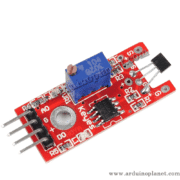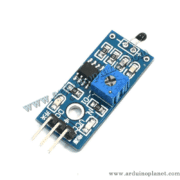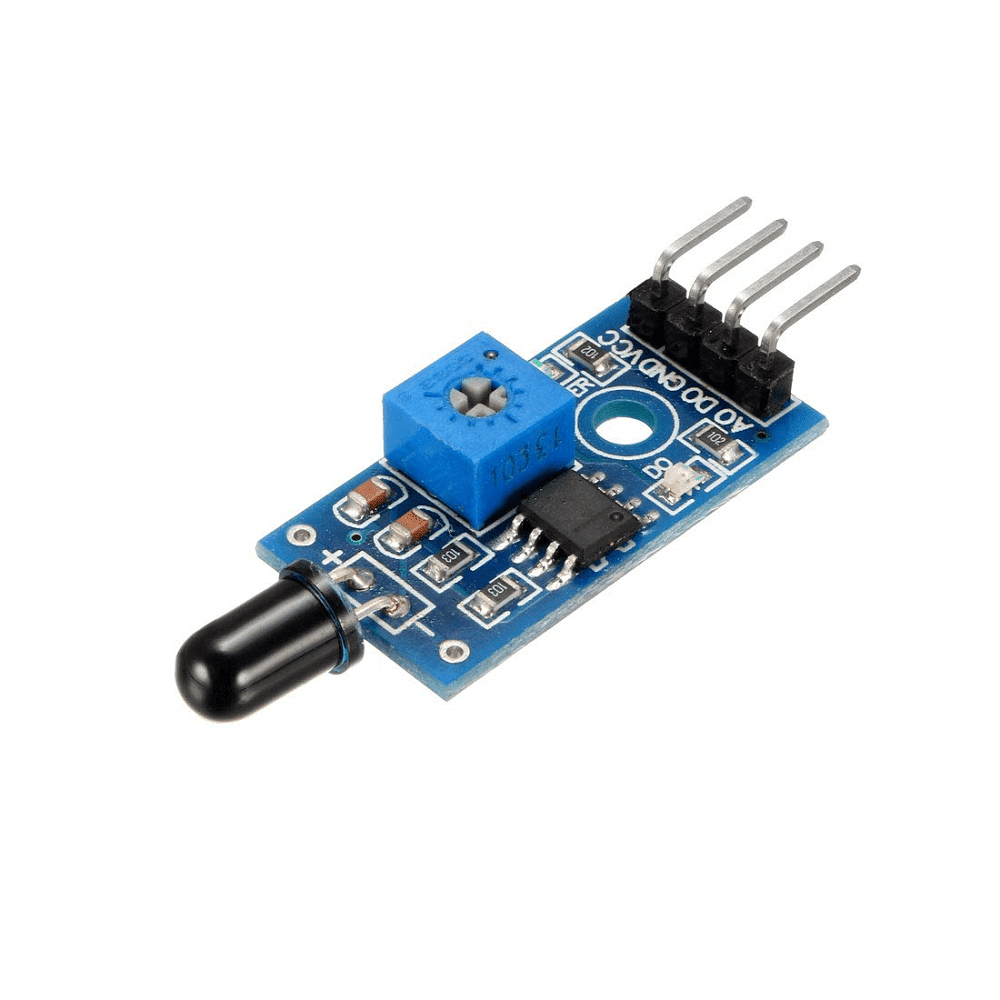
Description
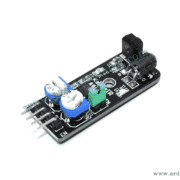
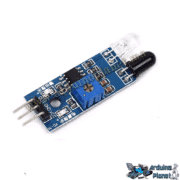
KY-026 Infrared Flame Detector Module
The KY-026 detects infrared radiation from flames or other light sources in the 760–1100 nm range. It provides digital and analog outputs, with sensitivity adjustable using the onboard potentiometer. It can be used with Arduino, Raspberry Pi, ESP32 and other microcontrollers.
Specifications
- Detection angle: 60°
- Operating voltage: 3.3–5 V
- Operating current: 15 mA
- Outputs: digital HIGH/LOW and analog
- Sensitivity: adjustable onboard potentiometer
- Main components: YG1006 phototransistor and LM393 comparator
- Spectral range: 760–1100 nm (as stated in the source listing)
How it works
The YG1006 phototransistor senses infrared radiation. The LM393 comparator converts the detected level into a digital output, while the analog output provides a varying signal. The source listing states that the digital output is HIGH when a flame is detected and LOW otherwise; verify the output polarity on your particular module.
Applications
- Flame and fire-detection projects
- Infrared-source detection
- Arduino, Raspberry Pi and ESP32 experiments
This hobby module is not a certified fire-alarm device and should not replace approved fire-safety equipment.
Using it with Arduino Uno
Basic example
const int ledPin = 13; // LED sur la carte Arduino
const int digitalPin = 2; // Sortie numérique du capteur KY-026
const int analogPin = A0; // Sortie analogique du capteur KY-026


void setup() {
  pinMode(ledPin, OUTPUT);
  pinMode(digitalPin, INPUT);
  Serial.begin(9600);
}


void loop() {
  int digitalVal = digitalRead(digitalPin);
  int analogVal = analogRead(analogPin);


  if(digitalVal == HIGH) {
    digitalWrite(ledPin, HIGH);
  } else {
    digitalWrite(ledPin, LOW);
  }


  Serial.println(analogVal);
  delay(100);
}
Advanced example with I2C LCD
#include <Wire.h>
#include <LiquidCrystal_I2C.h>


const int ledPin = 13;
const int digitalPin = 2;
const int analogPin = A0;


LiquidCrystal_I2C lcd(0x27, 16, 2);


void setup() {
  pinMode(ledPin, OUTPUT);
  pinMode(digitalPin, INPUT);
  Serial.begin(9600);
  lcd.begin();
  lcd.backlight();
}


void loop() {
  int digitalVal = digitalRead(digitalPin);
  int analogVal = analogRead(analogPin);


  if(digitalVal == HIGH) {
    digitalWrite(ledPin, HIGH);
    lcd.setCursor(0, 0);
    lcd.print("Flame Detected!");
  } else {
    digitalWrite(ledPin, LOW);
    lcd.setCursor(0, 0);
    lcd.print("No Flame       ");
  }


  lcd.setCursor(0, 1);
  lcd.print("Analog: ");
  lcd.print(analogVal);


  Serial.println(analogVal);
  delay(100);
}
Advanced-example wiring
- KY-026 VCC: Arduino 5 V
- KY-026 GND: Arduino GND
- KY-026 D0: Arduino digital pin 2
- KY-026 A0: Arduino analog input A0
- LCD VCC/GND: Arduino 5 V/GND
- LCD SDA/SCL: Arduino A4/A5
Library installation
- Open the Arduino IDE and select Sketch → Include Library → Manage Libraries.
- Search for and install
LiquidCrystal_I2Cfor the LCD example.
Keywords: KY-026 flame detector, infrared flame sensor, fire-detection project, Arduino flame sensor, LM393 sensor module.