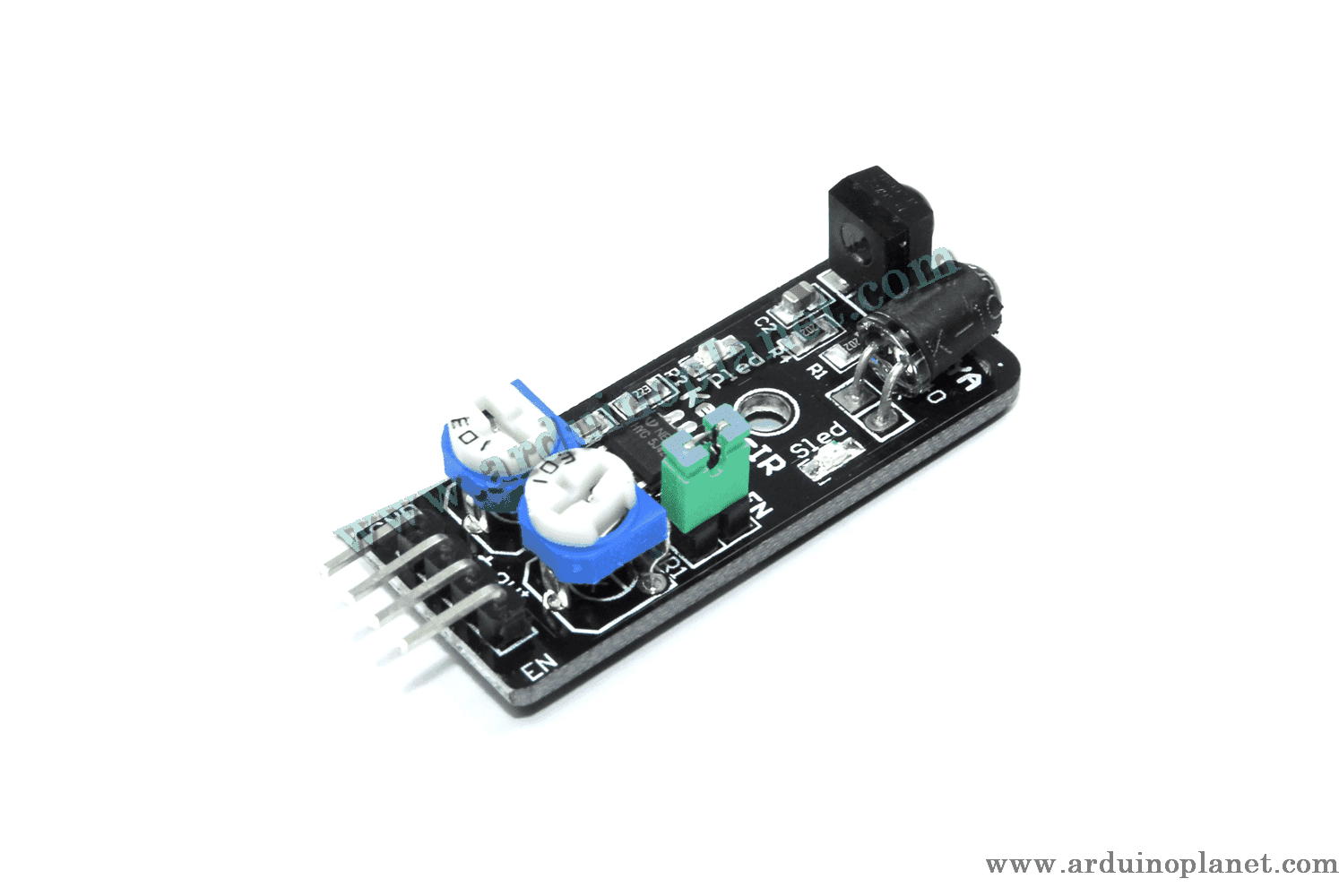
Description
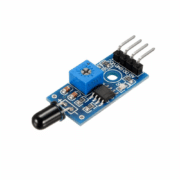
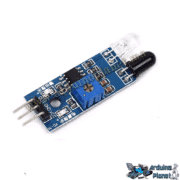
KY-032 Smart IR Obstacle Detection Module
The KY-032 emits infrared light from its IR transmitter. When the light hits an obstacle, it is reflected and detected by the IR receiver. When an obstacle is detected, the module sends a digital LOW signal on its output pin. The built-in potentiometers adjust the detection sensitivity and IR emission intensity.
Applications
- Robotics: obstacle avoidance for autonomous robots
- Security systems: presence detection and monitoring
- DIY projects: obstacle detection in prototypes and other builds
- Industrial automation: object detection and control
Using the KY-032 with Arduino Uno
Basic example components
- 1 × KY-032 sensor
- 1 × Arduino Uno
- Jumper wires
- Breadboard
Basic Arduino code
int sensorPin = 8; // Broche connectée à la sortie du capteur
int ledPin = 13;  // Broche connectée à la LED intégrée


void setup() {
  pinMode(sensorPin, INPUT);
  pinMode(ledPin, OUTPUT);
  Serial.begin(9600);
}


void loop() {
  int sensorValue = digitalRead(sensorPin);
  if (sensorValue == LOW) {
    digitalWrite(ledPin, HIGH);
    Serial.println("Obstacle détecté");
  } else {
    digitalWrite(ledPin, LOW);
    Serial.println("Pas d'obstacle");
  }
  delay(1000);
}
Basic code explanation
- Pin setup:
sensorPinis configured as an input andledPinas an output. - Read the sensor: when an obstacle is detected (LOW signal), the built-in LED turns on and a message is printed to the Serial Monitor.
- Main loop: the sensor is read continuously; the LED turns on or off according to the detection result.
Basic pinout
- GND: connect to Arduino GND
- VCC: connect to Arduino 5V
- S: connect to Arduino digital pin 8
- EN: leave unconnected; the sensor is enabled by default
Advanced example components
- 1 × KY-032 sensor
- 1 × Arduino Uno
- 1 × 1602 I2C LCD
- Jumper wires
- Breadboard
Advanced code with 1602 I2C LCD
#include <Wire.h>
#include <LiquidCrystal_I2C.h>


int sensorPin = 8; // Broche connectée à la sortie du capteur
LiquidCrystal_I2C lcd(0x27, 16, 2);


void setup() {
  lcd.begin();
  lcd.backlight();
  pinMode(sensorPin, INPUT);
  Serial.begin(9600);
}


void loop() {
  int sensorValue = digitalRead(sensorPin);
  lcd.setCursor(0, 0);
  if (sensorValue == LOW) {
    lcd.print("Obstacle detecte");
    Serial.println("Obstacle détecté");
  } else {
    lcd.print("Pas d'obstacle ");
    Serial.println("Pas d'obstacle");
  }
  delay(1000);
}
Advanced code explanation
- Initialize libraries: use
WireandLiquidCrystal_I2Cfor the I2C LCD. - Set up pins and display: configure the sensor pin and initialize the LCD.
- Main loop: read the obstacle-detection state and show the result on the LCD and Serial Monitor.
Advanced pinout
- GND: connect to Arduino GND
- VCC: connect to Arduino 5V
- S: connect to Arduino digital pin 8
- SDA (LCD): connect to Arduino A4
- SCL (LCD): connect to Arduino A5
Installing the library
- Open the Arduino IDE.
- Choose Sketch → Include Library → Manage Libraries.
- Search for
LiquidCrystal_I2Cand install the library by Frank de Brabander.
Keywords: obstacle avoidance, sensor, collision prevention, obstacle detection, robot obstacle avoidance, proximity sensor, IR module, robot automation, adjustable sensor, IR technology.