Description
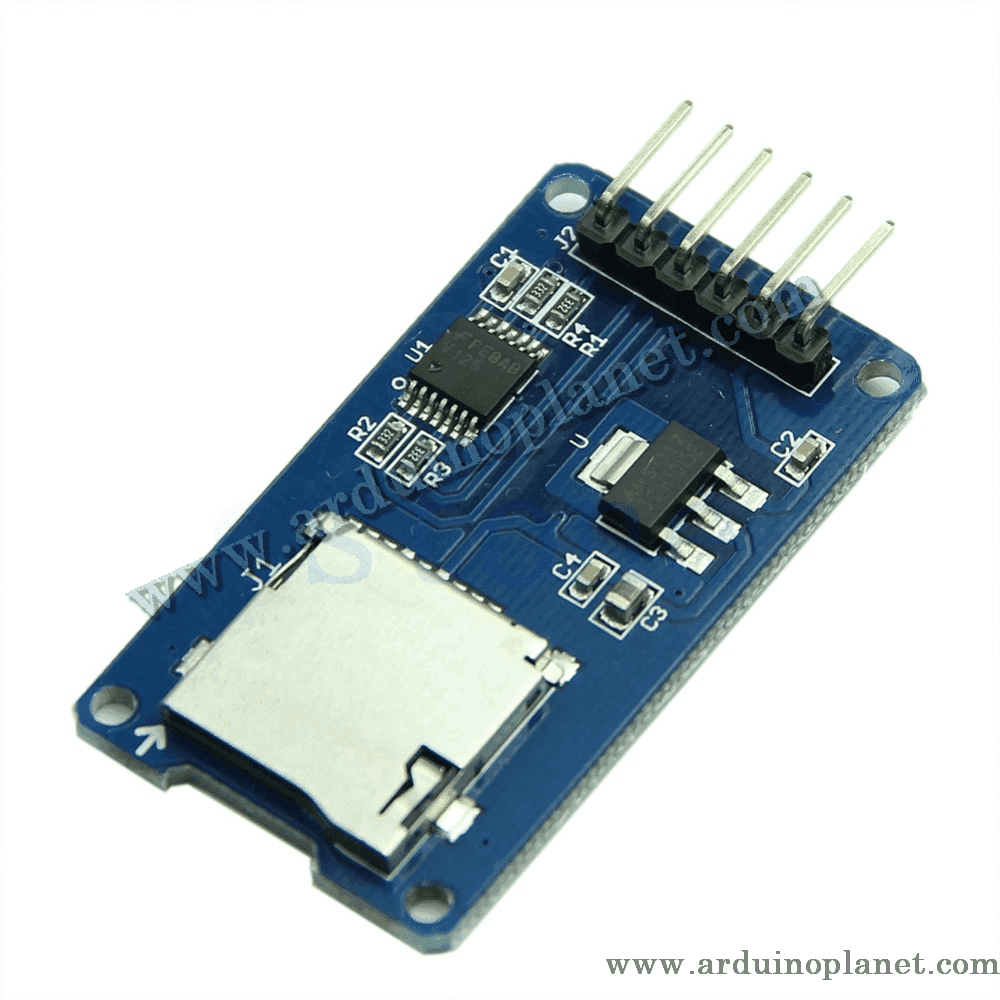
MicroSD Card Reader Module
This SD card reader module reads and writes data on a MicroSD card through an SPI interface. It is compatible with MCU systems and can be used directly with the Arduino IDE.
Detailed Specifications
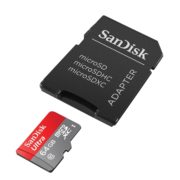
- Compatibility: MicroSD and MicroSDHC cards (high speed)
- Interface: Level conversion for 5V or 3.3V interfaces
- Power supply: 4.5V–5.5V, with an integrated voltage regulator
- Communication interface: Standard SPI
- Mounting: Four M2 positioning holes for easy installation
Operation
The module communicates with a microcontroller over SPI to read and write data on a MicroSD card. It supports standard file systems, making it easy to integrate into a range of electronic projects.
Applications
- Data storage: Recording data in sensor or data-logging projects.
- Embedded systems: External storage for embedded systems.
- Arduino projects: Suitable for projects requiring mass storage.
How to Use It with an Arduino Uno
You will need:
- 1 x SD card reader module
- 1 x Arduino Uno
- Connecting wires
- Breadboard
Wiring instructions:
- Power the module: Connect VCC to the Arduino 5V pin and GND to Arduino GND.
- SPI connection: Connect CS, MOSI, MISO, and SCK to the corresponding Arduino pins (for example, CS to pin 10, MOSI to pin 11, MISO to pin 12, and SCK to pin 13).
Arduino Uno code example:
#include <SPI.h>
#include <SD.h>


const int chipSelect = 10;


void setup() {
  Serial.begin(9600);
  pinMode(10, OUTPUT);


  if (!SD.begin(chipSelect)) {
    Serial.println("Initialization failed!");
    return;
  }
  Serial.println("Initialization done.");


  File dataFile = SD.open("example.txt", FILE_WRITE);
  if (dataFile) {
    dataFile.println("Testing 1, 2, 3.");
    dataFile.close();
    Serial.println("Data written to file.");
  } else {
    Serial.println("Error opening file.");
  }
}


void loop() {
}
Code Explanation
- SPI and SD libraries: These libraries handle communication with the SD module.
- Chip select: The chip-select pin is set to pin 10.
- Initialization:
setup()initializes serial communication and the SD card. - Writing data: A file named
example.txtis created on the SD card, and a line of text is written to it. - Error checking: Error messages are displayed if initialization or opening the file fails.
Pinout
- VCC: Connected to the 5V power supply
- GND: Ground (GND)
- CS: Connected to Arduino pin 10
- MOSI: Connected to Arduino pin 11
- MISO: Connected to Arduino pin 12
- SCK: Connected to Arduino pin 13
Keywords: card reader, SD module, data storage, SPI interface, SD card module, data logging, Arduino, embedded systems, memory.