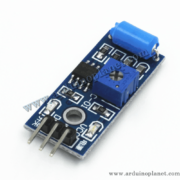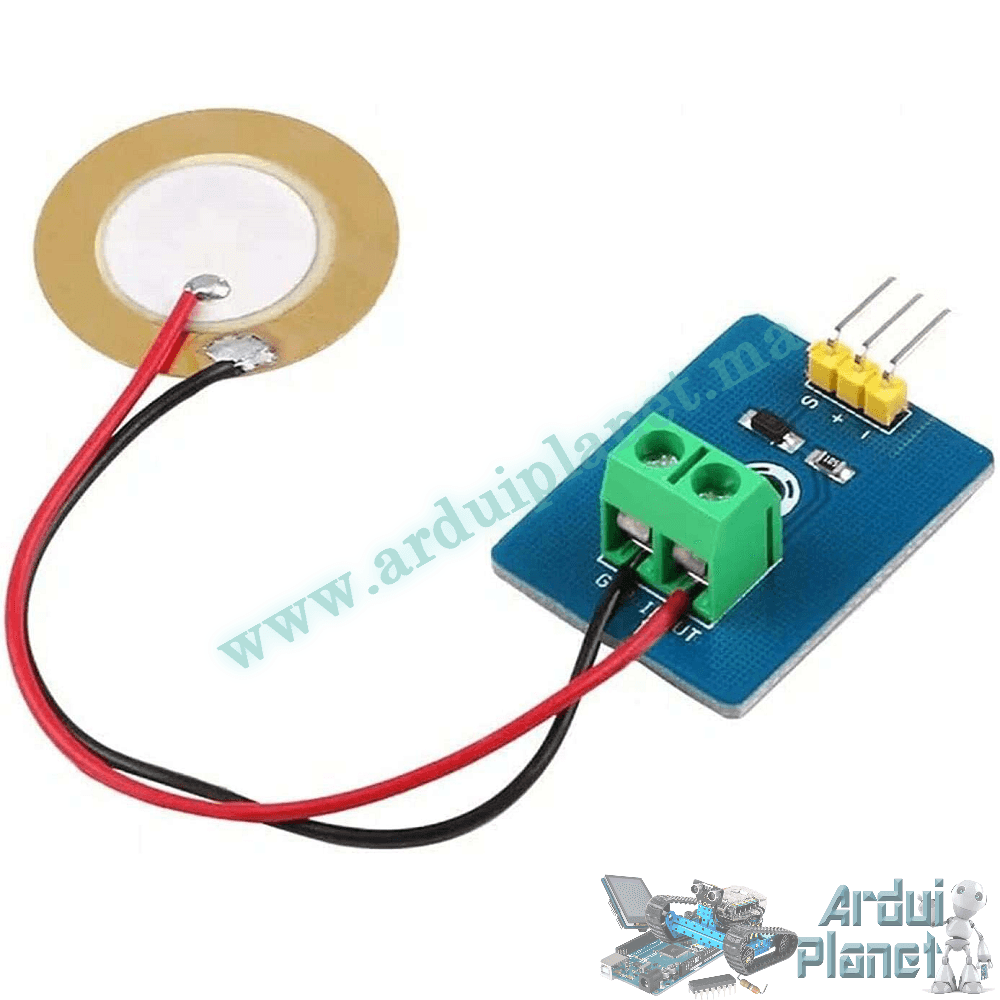
Description
Piezoelectric Vibration Sensor Module
This module detects mechanical vibration and shock using a piezoelectric ceramic element, converting mechanical stress into an electrical signal. The analog output can be read by a microcontroller to observe vibration changes.
Specifications listed
- Operating voltage: 3.3–5 V DC
- Nominal current: <1 mA
- Signal: analog output
- Dimensions: 30 × 23 × 17 mm
- Weight: 5 g
- Operating temperature: −10 to +70 °C
How it works
Pressure or vibration on the piezoelectric element produces a voltage. The output is useful for detecting events, but it is not a calibrated measurement of vibration amplitude or force.
Applications listed
- Alarm and security systems
- Machine-condition monitoring
- Shock and vibration detection
- Musical instruments
- Portable devices
Pinout
- + (VCC): supply, 3.3–5 V
- − (GND): ground
- S (Signal): analog output
Arduino Uno connections
Connect VCC to Arduino 5 V, GND to ground and S to an analog input such as A0. Ensure the output voltage stays within the controller’s input limits.
Basic Arduino example
#define VIBRATION_PIN A0


void setup() {
  Serial.begin(9600);
}


void loop() {
  int sensorValue = analogRead(VIBRATION_PIN);
  Serial.println(sensorValue);
  delay(100);
}
What the basic code does
It reads the analog sensor value and prints it to the Serial Monitor so vibration readings can be observed.
Parts for the basic example
- Arduino Uno
- Piezoelectric vibration sensor module
- Jumper wires
Basic code overview
- Initializes serial communication.
- Reads the analog sensor value and displays it in the Serial Monitor.
Basic wiring
- VCC: Arduino 5 V
- GND: Arduino GND
- S (Signal): Arduino A0
Advanced Arduino example: LED alert
#define VIBRATION_PIN A0
#define LED_PIN 13


void setup() {
  pinMode(LED_PIN, OUTPUT);
  Serial.begin(9600);
}


void loop() {
  int sensorValue = analogRead(VIBRATION_PIN);
  Serial.println(sensorValue);
  if(sensorValue > 500) {
    digitalWrite(LED_PIN, HIGH); // Allumer la LED si la vibration est détectée
  } else {
    digitalWrite(LED_PIN, LOW); // Éteindre la LED si aucune vibration n'est détectée
  }
  delay(100);
}
What the advanced code does
It prints the sensor reading and turns an LED on when the reading exceeds 500; otherwise it turns the LED off. The threshold is an example and may need calibration for the module, mounting and environment.
Parts for the advanced example
- Arduino Uno
- Piezoelectric vibration sensor module
- LED
- 220 Ω resistor
- Jumper wires
Advanced code overview
- Configures the LED pin as an output and starts serial communication.
- Reads and prints the analog sensor value.
- Compares the reading with a threshold and switches the LED accordingly.
Advanced wiring
- VCC: Arduino 5 V
- GND: Arduino GND
- S (Signal): Arduino A0
- LED: Arduino D13 through a 220 Ω resistor