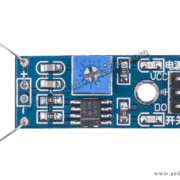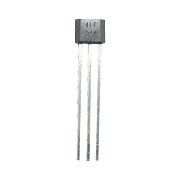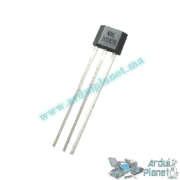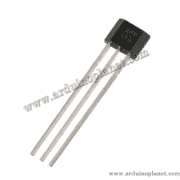
Description
Reed Magnetic Sensor
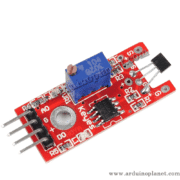
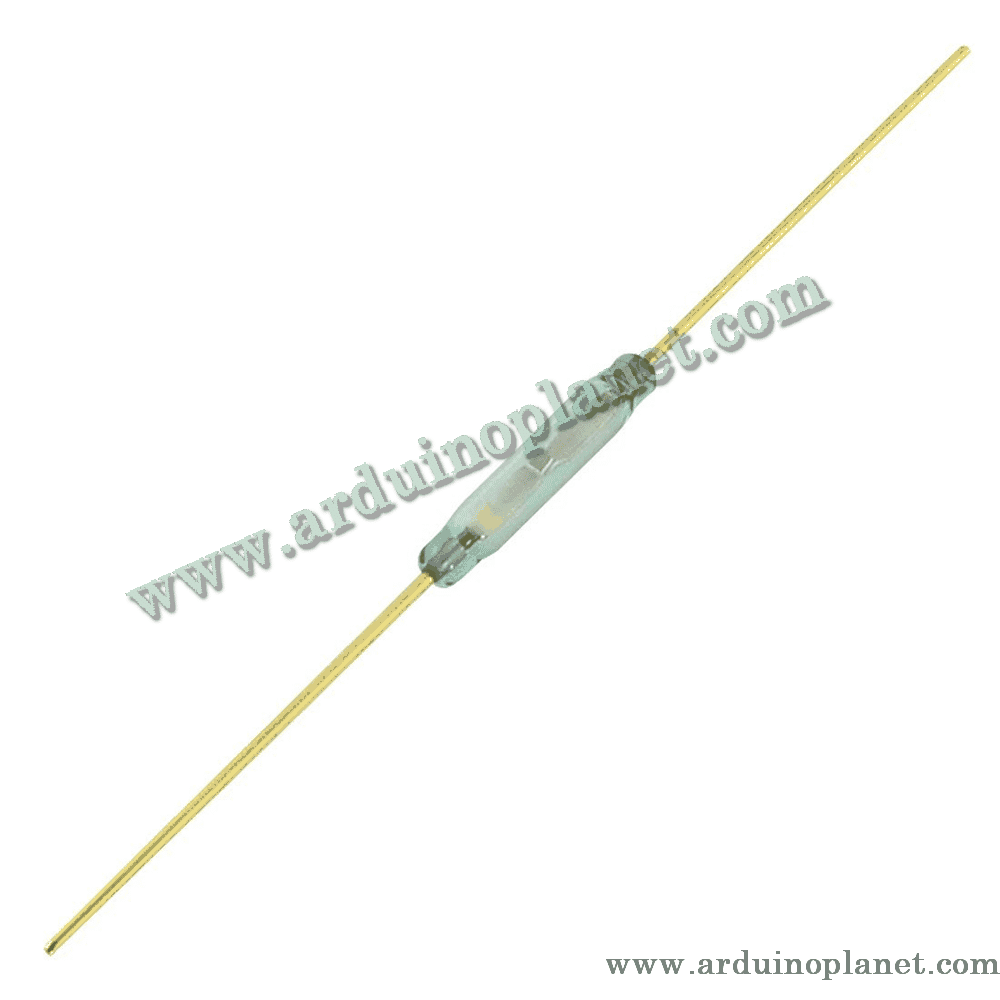
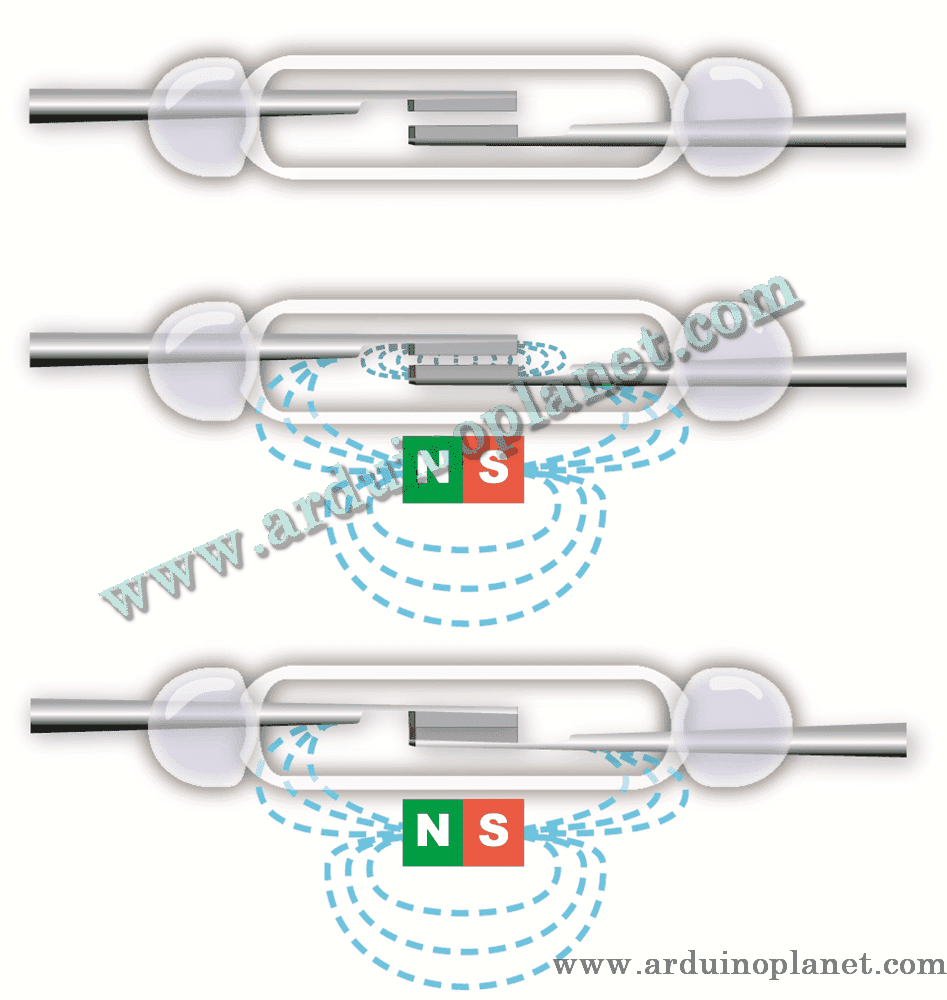
A reed magnetic sensor is a switch sensitive to magnetic fields. It consists of two metal contacts sealed inside an airtight glass tube. When a magnet approaches, the contacts close and allow current to flow. It is commonly used for proximity detection and security applications.
Detailed specifications
- Operating voltage: 3.3–5 V DC
- Output: Digital (open/closed circuit)
- Dimensions: Vary by model; generally small and compact
- Main component: Reed switch sealed inside an airtight glass tube
How it works
The reed sensor uses a switch sealed inside a glass tube. In the presence of a magnetic field, the internal contacts close, creating a closed circuit that a microcontroller can read as a digital output.
Applications
- Security and alarm systems
- Proximity detection for doors and windows
- Liquid-level sensors
- Contactless-control projects
- Interactive art installations
Pinout
A typical reed sensor has two leads (contacts) and no designated pins:
- Lead 1: Connect to a power supply or microcontroller input
- Lead 2: Connect to ground or a microcontroller output
How to use it
Connect the two leads of the reed sensor as follows:
- Lead 1 to 5 V or an Arduino digital input
- Lead 2 to GND or an Arduino digital output
Using it with an Arduino Uno
Basic Arduino code example
const int led = 13; // LED sur l'Arduino
const int reedPin = 3; // Interface numérique du capteur Reed
int reedState; // Etat du capteur Reed


void setup() {
  pinMode(led, OUTPUT);
  pinMode(reedPin, INPUT);
  Serial.begin(9600);
}


void loop() {
  // Lecture de l'état du capteur Reed
  reedState = digitalRead(reedPin);
  if (reedState == HIGH) {
    digitalWrite(led, HIGH);
    Serial.println("Magnet detected");
  } else {
    digitalWrite(led, LOW);
    Serial.println("No magnet");
  }
  delay(100);
}
What the code does: It reads the reed sensor’s digital value, turns on the Arduino LED when a magnetic field is detected, and displays the status in the serial monitor.
Components required for the basic example
- Arduino Uno
- Reed magnetic sensor
- Connecting wires
Basic code explained
- Pin initialization: The LED pin is set as an output and the sensor pin as an input.
- Reading and displaying data: The sensor’s digital value is read and displayed in the serial monitor. The LED turns on when a magnetic field is detected.
Basic wiring
- Lead 1 (sensor): D3 (Arduino)
- Lead 2 (sensor): GND (Arduino)
Keywords: switch, magnetic, sensor, reed switch, magnetic detection, Arduino, proximity, security.