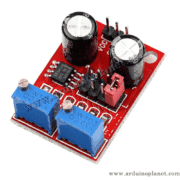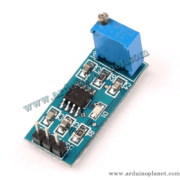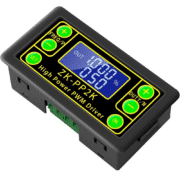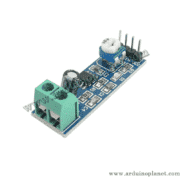
Description
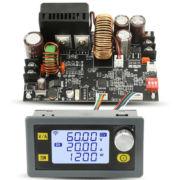
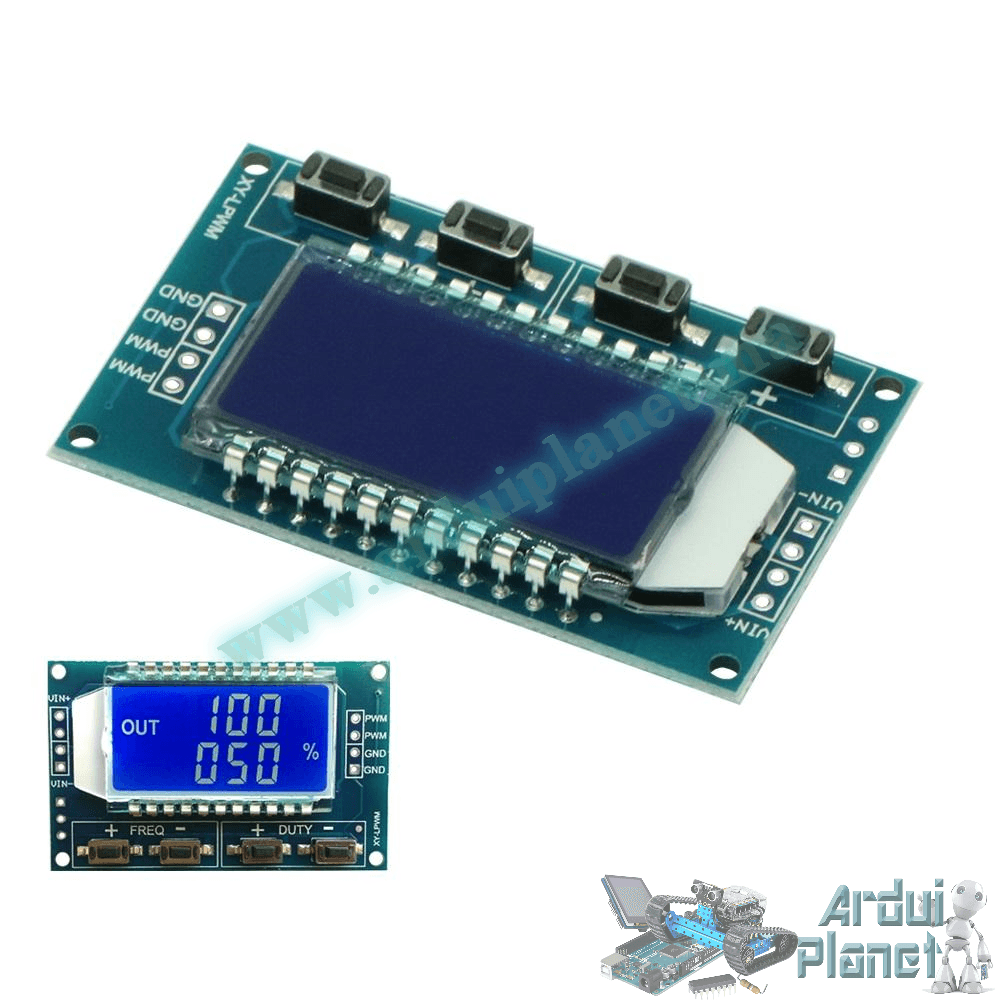
XY-PWM1 Adjustable PWM Signal Generator
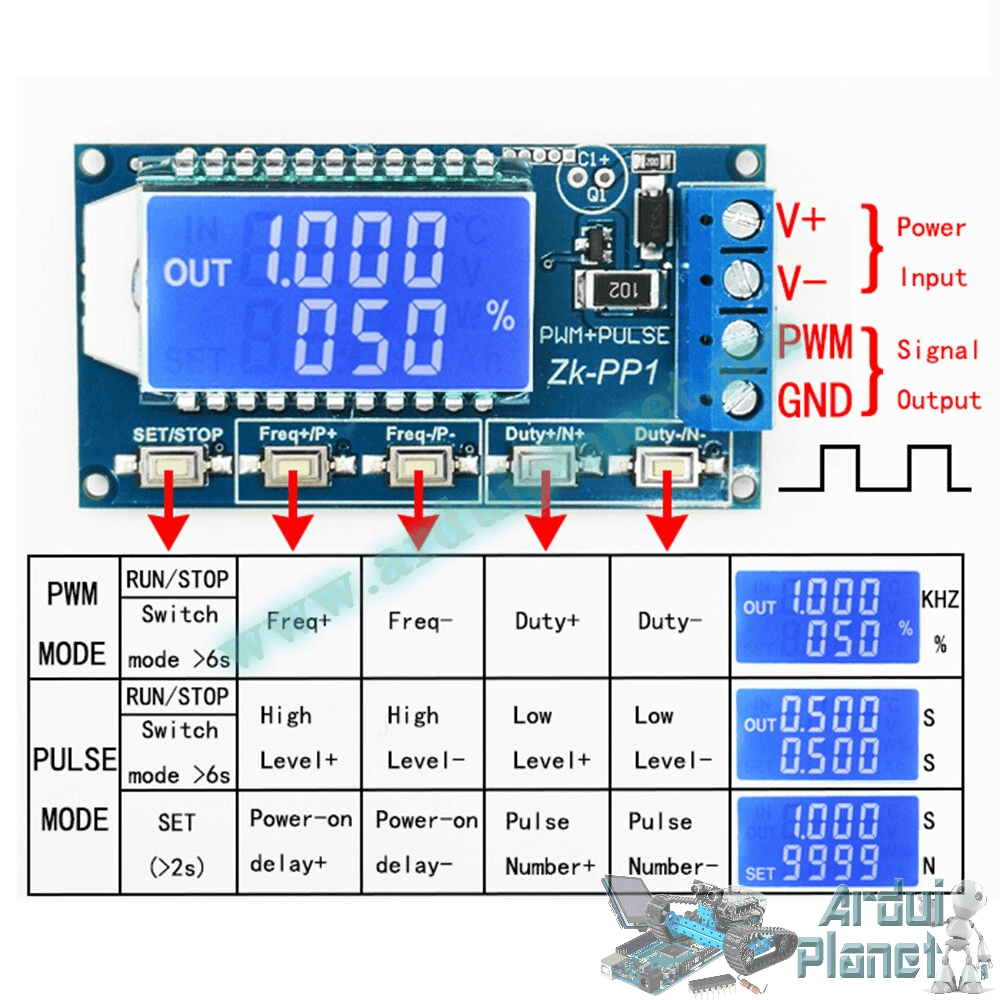
The XY-PWM1 module generates PWM signals with adjustable frequency and duty cycle. Four buttons control the settings. Short presses make small changes; holding a button changes the value more quickly. Settings are saved automatically.
Module parameters listed by the source
- Operating voltage: 3.3–30 V DC
- Frequency: 1 Hz–150 kHz in normal mode; 1 Hz–15 kHz in precision mode
- Frequency accuracy: 2% (general parameter listed by the source)
- Output current: 5–30 mA (source-listed)
- Output amplitude: equal to the supply voltage (source-listed)
- Operating temperature: −40 to +85 °C
- Dimensions: 79 × 43 × 37 mm
The source gives different frequency-accuracy figures in different sections: 2% in the general parameters, 1% in normal mode and 0.1% in precision mode. Treat these as source claims and confirm actual performance for the board revision. The stated output amplitude equals the supply voltage, so check voltage compatibility with the receiving circuit and observe the listed output-current range.
Operation and applications
A microcontroller generates the PWM signal. The display can show frequency and duty cycle. Applications listed by the source include square-wave experimentation, motor control, MCU applications, PWM speed control and dimming, and TTL serial communication.
Buttons and modes
- Frequency: use
FREQ+andFREQ−to increase or decrease the frequency. A short press makes a small step; a long press changes it faster.- Display
XXX(no decimal point): 1–999 Hz. - Display
X.XX: 1.00–9.99 kHz. - Display
XX.X: 10.0–99.9 kHz. - Display
X.X.X: 1–150 kHz, according to the source.
- Display
- Duty cycle: use
DUTY+andDUTY−. Short presses make small steps; long presses change it faster. The listed range is 0–100%, with 1% steps in normal mode and 0.1% in precision mode. - Mode: normal mode is listed as 1 Hz–150 kHz; precision mode is 1 Hz–15 kHz. The source states that holding
FREQ+orFREQ−for 10 seconds switches modes. - Lock settings: hold
DUTY+orDUTY−for 5 seconds to lock settings and prevent accidental changes.
Serial port settings
- Baud rate: 9600 bps
- Data bits: 8
- Stop bits: 1
- Parity: none
- Flow control: none
Serial commands listed in the source
Set PWM frequency
F101: set frequency to 101 Hz (001–999)F1.05: set frequency to 1.05 kHz (1.00–9.99)F10.5: set frequency to 10.5 kHz (10.0–99.9)F1.0.5: set frequency to 105 kHz (1.0.0–1.5.0)
Set PWM duty cycle
DXXX: set the PWM duty cycle to the selected value, listed as 001–100.- Example:
D050sets a 50% duty cycle.
Read settings
- Send the string
readto read the saved settings. - The source says a successful response is
Downand an unsuccessful response isFALL; these response labels are reproduced as listed.