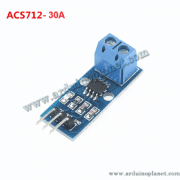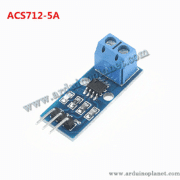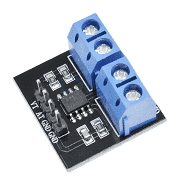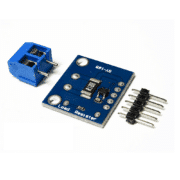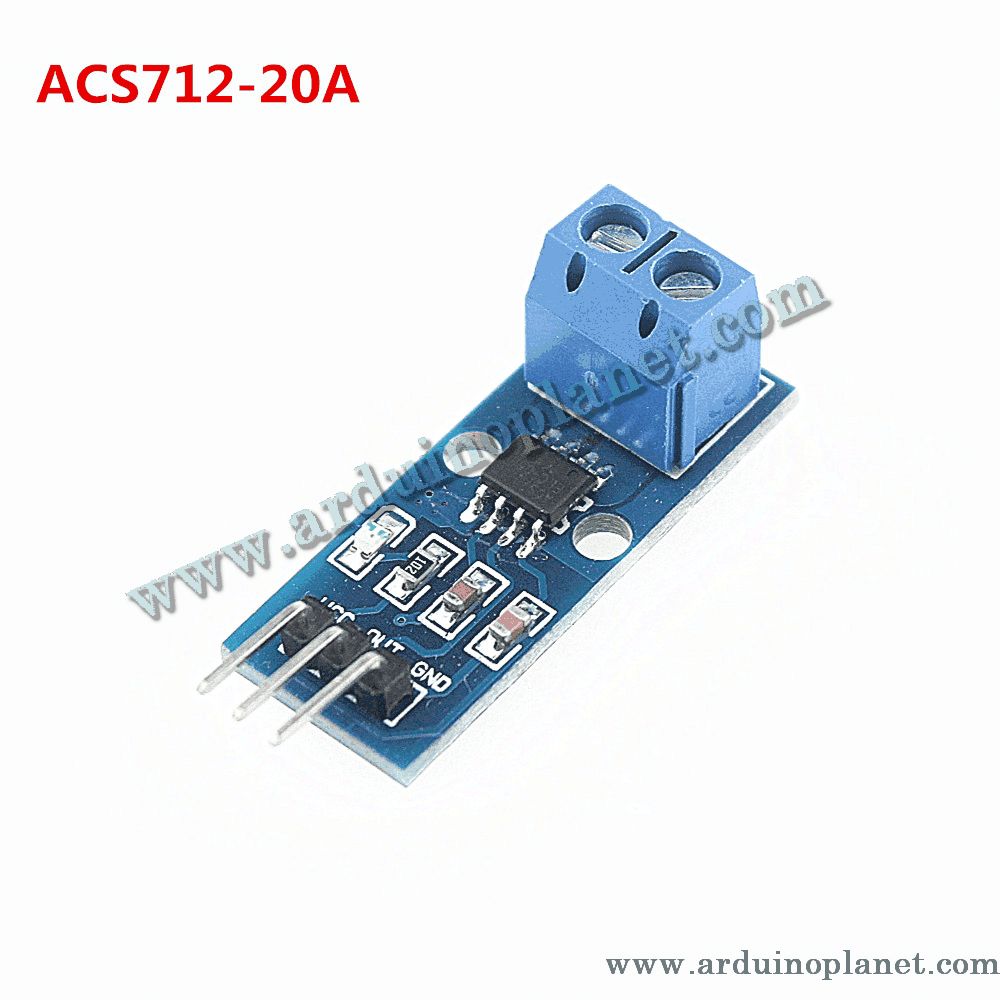
Description
ACS712 20A Current Sensor Module
This module uses a Hall-effect ACS712 sensor to measure current passing through its onboard conductor. It provides an analog voltage that varies with measured current and is intended for AC or DC measurements within the stated range.
🔧 Listed specifications
- Supply voltage: 4.5–5.5 V DC
- Measurement range: −20 A to +20 A
- Sensitivity: 100 mV/A (listed for the 20 A version)
- Output: analog voltage proportional to current
- Isolation: 2.1 kV RMS stated in the product listing
- Accuracy: ±1.5% stated in the product listing
- Operating temperature: −40 °C to 85 °C
The ACS712 manufacturer datasheet specifies a typical 100 mV/A sensitivity and a −20 A to +20 A optimized range for the x20 version. Module-level isolation and accuracy depend on the exact board, construction and test conditions. The listed isolation figure is not a declaration that this finished module is safe for mains or other hazardous voltages. Use suitable fusing, enclosure, spacing and qualified procedures.
⚙️ How it works
Current through the sensor’s copper path creates a magnetic field. The Hall-effect IC converts this into an analog voltage. At zero current, the output is nominally around half the supply voltage; the output moves above or below this level as current direction and magnitude change.
💡 Applications
- Motor and battery-charger current monitoring
- Power monitoring in electronic equipment
- Overcurrent monitoring in low-voltage prototypes
- Robotics and embedded projects
- Energy-management experiments
📌 Pinout
- VCC: 4.5–5.5 V supply
- GND: ground
- OUT: analog voltage output
🔌 Basic Arduino Uno example
Connect VCC and GND to a suitable supply and OUT to an analog input. The original code is preserved below. It assumes a 5 V ADC reference, 10-bit ADC conversion and 2.5 V zero-current output. Calibrate these values on the actual setup; the reading is an estimate.
#define CURRENT_SENSOR_PIN A0


void setup() {
  Serial.begin(9600);
}


void loop() {
  int sensorValue = analogRead(CURRENT_SENSOR_PIN);
  float analogVoltage = sensorValue * (5.0 / 1023.0);
  float current = (analogVoltage - 2.5) / 0.100; // Sensibilité de 100 mV/A pour 20A
  Serial.print("Current: ");
  Serial.print(current);
  Serial.println(" A");
  delay(1000);
}
What the basic code does
The sketch reads the analog output, converts the ADC count to an estimated voltage, then divides the offset from 2.5 V by 0.100 V/A to estimate current. The value is printed to the serial monitor.
Components for the basic example
- Arduino Uno
- ACS712 current sensor module (20 A version)
- Connecting wires
Connections shown by the code
- VCC: Arduino 5 V
- GND: Arduino GND
- OUT: Arduino A0
📟 Advanced Arduino example: I2C LCD
The original LCD example is preserved below. Install a compatible LiquidCrystal_I2C library and check that its API matches the installed library version.
#include <LiquidCrystal_I2C.h>


// Broches de connexion
#define CURRENT_SENSOR_PIN A0


// Constantes
const float V_REF = 5.0;
const int ADC_RESOLUTION = 1023;
const float ZERO_CURRENT_VOLTAGE = 2.5;
const float SENSITIVITY = 0.100; // Sensibilité du module 20A : 100 mV/A


LiquidCrystal_I2C lcd(0x27, 16, 2);


void setup() {
  lcd.begin();
  lcd.backlight();
  Serial.begin(9600);
}


void loop() {
  int sensorValue = analogRead(CURRENT_SENSOR_PIN);
  float analogVoltage = sensorValue * (V_REF / ADC_RESOLUTION);
  float current = (analogVoltage - ZERO_CURRENT_VOLTAGE) / SENSITIVITY;
  lcd.clear();
  lcd.setCursor(0, 0);
  lcd.print("Current: ");
  lcd.print(current, 2); // Affiche le courant avec 2 décimales
  lcd.print(" A");
  Serial.print("Current: ");
  Serial.print(current, 2);
  Serial.println(" A");
  delay(1000);
}
What the advanced code does
The sketch reads the sensor output, estimates current using 100 mV/A, and displays the result on an I2C LCD and the serial monitor.
Components for the advanced example
- Arduino Uno
- ACS712 current sensor module (20 A version)
- 1602 I2C LCD
- Connecting wires
Connections shown by the example
- Sensor VCC / GND / OUT: Arduino 5 V / GND / A0
- LCD SDA / SCL: Arduino A4 / A5 on the Uno
These code samples are illustrative, not calibrated instruments. Improve accuracy by measuring the actual zero-current output and ADC reference, accounting for sensitivity tolerance and temperature, and filtering samples. Confirm the module’s current path, board rating, conductor size and thermal limits before use. Do not interpret the isolation rating as permission to handle exposed mains voltage.
📚 Library
No dedicated library is needed to read the sensor. The LCD example uses a LiquidCrystal_I2C library available through the Arduino IDE Library Manager.