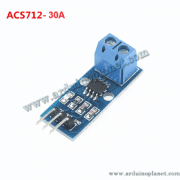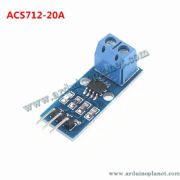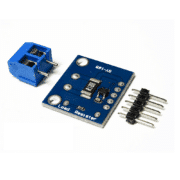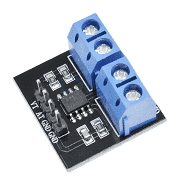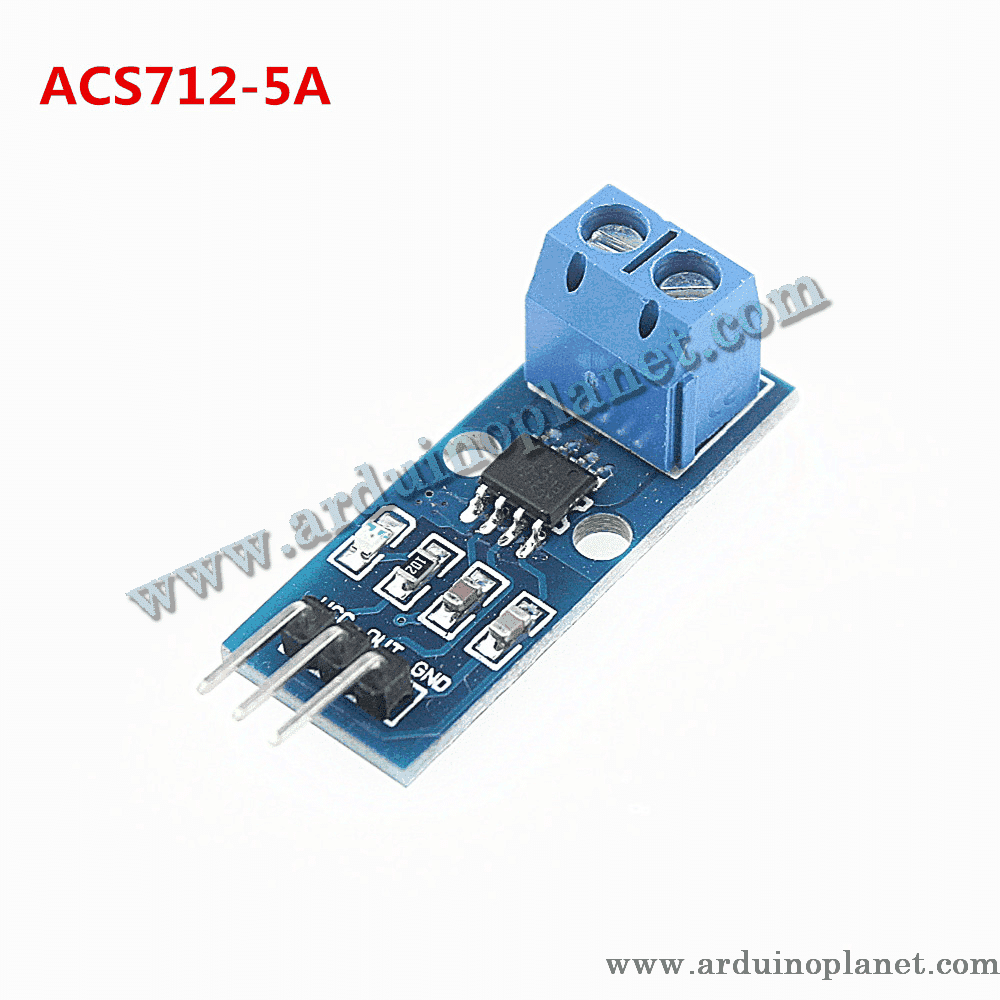
Description
ACS712 5A Current Sensor Module
This module uses the ACS712 Hall-effect sensor to measure current flowing through its onboard conductor. The sensor produces an analog voltage that changes with the measured current and supports AC and DC measurement within the stated range.
🔧 Listed specifications
- Supply voltage: 4.5–5.5 V DC
- Measurement range: −5 A to +5 A
- Sensitivity: 185 mV/A (listed for the 5 A version)
- Output: analog voltage proportional to current
- Isolation: 2.1 kV RMS stated in the product listing
- Accuracy: ±1.5% stated in the product listing
- Operating temperature: −40 °C to 85 °C
Isolation and accuracy depend on the exact sensor IC, module layout, test conditions and applicable safety ratings. The listing’s isolation figure is not a declaration that a finished module is safe for mains or other hazardous voltages. Use appropriate fusing, enclosures, spacing and qualified procedures.
⚙️ How it works
The measured current passes through the module’s copper conductor and creates a magnetic field. The Hall sensor converts that field into an analog output voltage. For the ACS712 5 A version, the listing gives a nominal sensitivity of 185 mV per ampere.
💡 Applications
- Current monitoring for motors and battery-charging systems
- Power monitoring in electronic devices
- Overcurrent detection in prototypes
- Robotics and autonomous-machine projects
- Energy-management experiments
📌 Pinout
- VCC: 4.5–5.5 V supply
- GND: ground
- OUT: analog output proportional to sensed current
🔌 Basic Arduino Uno example
Connect VCC and GND to a suitable supply and OUT to an analog input. The original example is preserved below. Its calculation assumes a 5 V ADC reference, a 10-bit ADC and a nominal 2.5 V zero-current output; calibrate the actual setup for better accuracy.
#define CURRENT_SENSOR_PIN A0


void setup() {
  Serial.begin(9600);
}


void loop() {
  int sensorValue = analogRead(CURRENT_SENSOR_PIN);
  float voltage = sensorValue * (5.0 / 1023.0);
  float current = (voltage - 2.5) / 0.185;
  Serial.print("Current: ");
  Serial.print(current);
  Serial.println(" A");
  delay(1000);
}
What the basic code does
The sketch reads the analog output, estimates its voltage, converts the offset from 2.5 V to current using 0.185 V/A, and prints the result to the serial monitor.
Components for the basic example
- Arduino Uno
- ACS712 current sensor module (5 A version)
- Connecting wires
Connections shown by the code
- VCC: Arduino 5 V
- GND: Arduino GND
- OUT: Arduino A0
📟 Advanced Arduino example: I2C LCD
The original LCD example is preserved below. Install a compatible LiquidCrystal_I2C library and confirm its API for your installed version.
#include <LiquidCrystal_I2C.h>


// Pin connections
#define CURRENT_SENSOR_PIN A0


// Constants
const float VOLTAGE_REFERENCE = 5.0;
const int ANALOG_TO_DIGITAL_CONVERSION_RESOLUTION = 1023;
const float ZERO_CURRENT_VOLTAGE_LEVEL = 2.5;
const float CURRENT_SENSOR_SENSITIVITY = 0.185; // Sensitivity of the 5A current sensor module: 185 mV/A


LiquidCrystal_I2C lcd(0x27, 16, 2);


void setup() {
  lcd.begin();
  lcd.backlight();
  Serial.begin(9600);
}


int readCurrentSensor() {
  return analogRead(CURRENT_SENSOR_PIN);
}


float calculateCurrent(int sensorValue) {
  float analogVoltage = sensorValue * (VOLTAGE_REFERENCE / ANALOG_TO_DIGITAL_CONVERSION_RESOLUTION);
  return (analogVoltage - ZERO_CURRENT_VOLTAGE_LEVEL) / CURRENT_SENSOR_SENSITIVITY;
}


void displayCurrent(float current) {
  lcd.clear();
  lcd.setCursor(0, 0);
  lcd.print("Current: ");
  lcd.print(current, 2); // Display the current with 2 decimal places
  lcd.print(" A");
  Serial.print("Current: ");
  Serial.print(current, 2);
  Serial.println(" A");
}


void loop() {
  int sensorValue = readCurrentSensor();
  float current = calculateCurrent(sensorValue);
  displayCurrent(current);
  delay(1000);
}
What the advanced code does
The sketch reads the sensor, calculates an estimated current, and displays it on an I2C LCD while also printing it over serial.
Components for the advanced example
- Arduino Uno
- ACS712 current sensor module (5 A version)
- 1602 I2C LCD
- Connecting wires
Wiring shown by the example
- Sensor VCC / GND / OUT: Arduino 5 V / GND / A0
- LCD SDA / SCL: Arduino A4 / A5 on the Uno
The displayed values are estimates, not calibrated measurements. For reliable readings, account for the actual ADC reference, sensor zero-current offset, sensitivity tolerance, noise and temperature; average or filter samples as appropriate. Pass the current-carrying conductor through the sensor’s designated terminals and observe the module’s voltage/current ratings.
📚 Library
No dedicated library is required for the ACS712 reading itself. The LCD example uses a LiquidCrystal_I2C library installed through the Arduino IDE Library Manager.