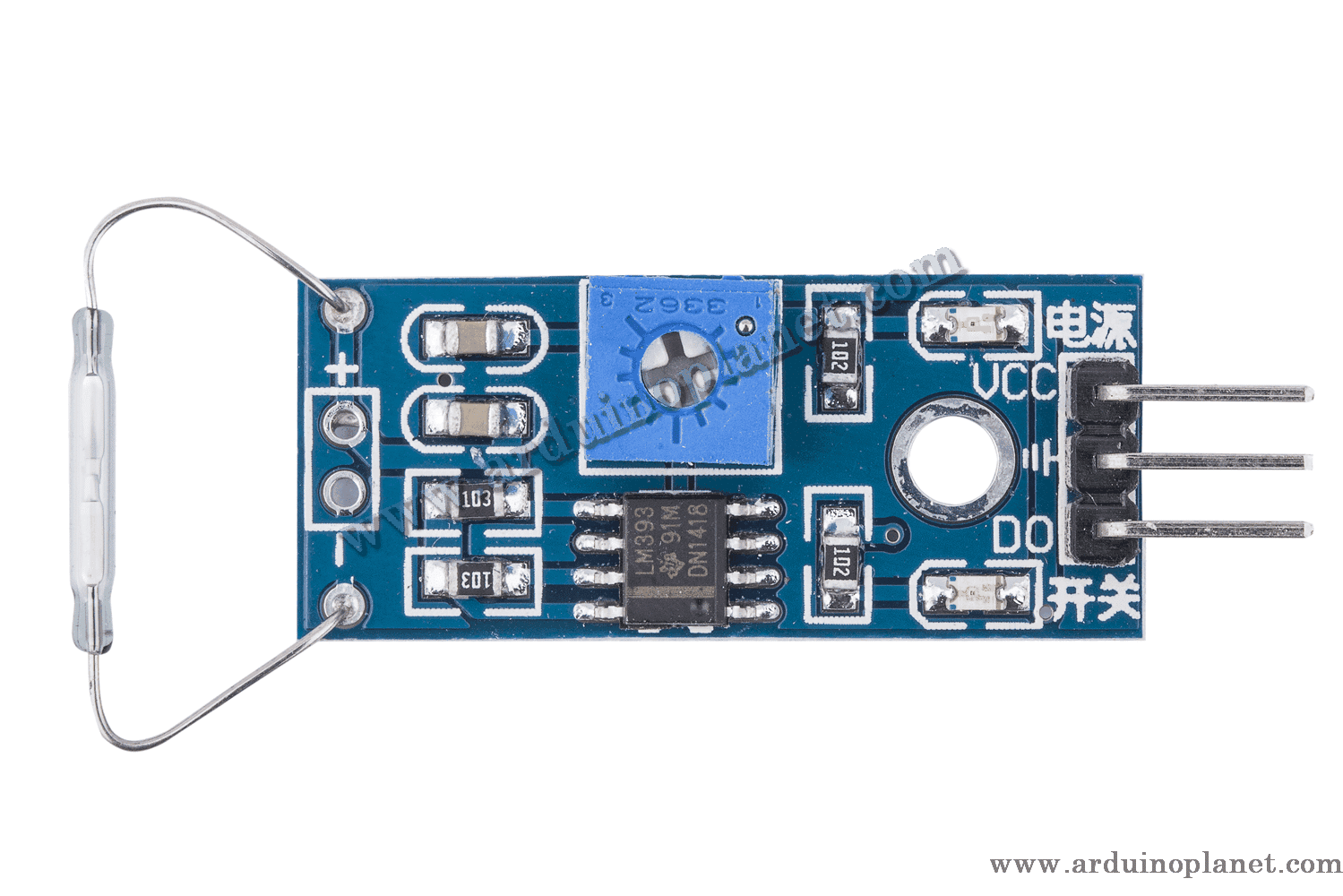
Description
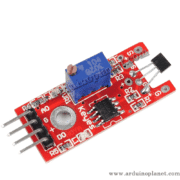
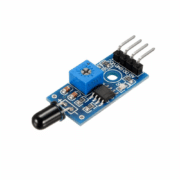
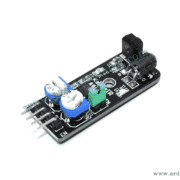
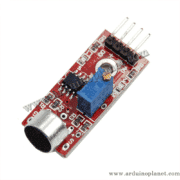
KY-025 Reed Magnetic Switch Module
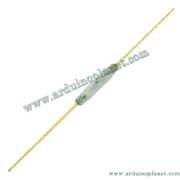
The KY-025 uses a reed switch that is activated when a magnetic field is applied. This module is suitable for proximity detection, security and contactless control applications.
Detailed specifications
- Operating voltage: 3.3–5 V DC
- Output: Digital (open/closed circuit)
- Dimensions: 22 × 15 × 7 mm
- Weight: 5 g
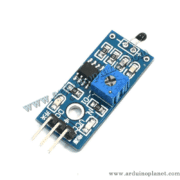
- Main components: Reed switch, LM393 comparator, sensitivity-adjustment potentiometer, LED and resistors
How it works
The reed switch on the KY-025 closes when a magnet is nearby, creating a closed circuit. The onboard comparator provides a digital output when the magnetic field exceeds the threshold adjusted with the potentiometer.
Applications
- Security and alarm systems
- Proximity detection for doors and windows
- Liquid-level sensors
- Contactless-control projects
- Interactive art installations
Pinout
The KY-025 module has three pins:
- VCC: Power supply (3.3–5 V)
- GND: Ground
- D0: Digital output
How to use it
Connect the KY-025 reed module as follows:
- VCC to 5 V on the Arduino
- GND to GND on the Arduino
- D0 to a digital pin (for example, D3) to read the digital values
Using it with an Arduino Uno
Basic Arduino code example
const int led = 13; // LED sur l'Arduino
const int digitalPin = 3; // Interface numérique du capteur Reed
int digitalVal; // Valeurs numériques


void setup() {
  pinMode(led, OUTPUT);
  pinMode(digitalPin, INPUT);
  Serial.begin(9600);
}


void loop() {
  // Lecture de l'interface numérique
  digitalVal = digitalRead(digitalPin);
  if (digitalVal == HIGH) {
    digitalWrite(led, HIGH);
    Serial.println("Magnet detected");
  } else {
    digitalWrite(led, LOW);
    Serial.println("No magnet");
  }
  delay(100);
}
What the code does: It reads the KY-025 digital output, turns on the Arduino LED when a magnetic field is detected, and displays the status in the serial monitor.
Components required for the basic example
- Arduino Uno
- KY-025 module
- Connecting wires
Basic code explained
- Pin initialization: The LED pin is set as an output and the sensor pin as an input.
- Reading and displaying data: The sensor’s digital value is read and displayed in the serial monitor. The LED turns on when a magnetic field is detected.
Basic wiring
- VCC (KY-025): 5 V (Arduino)
- GND (KY-025): GND (Arduino)
- D0 (KY-025): D3 (Arduino)
Advanced Arduino code example
#include <Wire.h>
#include <LiquidCrystal_I2C.h>


LiquidCrystal_I2C lcd(0x27, 16, 2);
const int led = 13;
const int digitalPin = 3;
int digitalVal;


void setup() {
  lcd.begin();
  lcd.backlight();
  pinMode(led, OUTPUT);
  pinMode(digitalPin, INPUT);
  Serial.begin(9600);
}


void loop() {
  digitalVal = digitalRead(digitalPin);
  if (digitalVal == HIGH) {
    digitalWrite(led, HIGH);
    lcd.setCursor(0, 0);
    lcd.print("Magnetic: YES ");
    Serial.println("Magnet detected");
  } else {
    digitalWrite(led, LOW);
    lcd.setCursor(0, 0);
    lcd.print("Magnetic: NO  ");
    Serial.println("No magnet");
  }
  delay(100);
}
What the code does: It reads the KY-025 digital output, displays it on an I2C LCD, controls the Arduino LED and reports the status in the serial monitor.
Components required for the advanced example
- Arduino Uno
- KY-025 module
- 1602 I2C LCD
- Connecting wires
Advanced code explained
- Including libraries:
#include <Wire.h>and#include <LiquidCrystal_I2C.h>add the libraries required for the LCD. - Initialization: Communication with the LCD and sensor is set up in
setup(). - Reading and displaying data: The digital value is read and displayed on the LCD. The LED turns on when a magnetic field is detected.
Advanced wiring
- VCC (KY-025): 5 V (Arduino)
- GND (KY-025): GND (Arduino)
- D0 (KY-025): D3 (Arduino)
- VCC (LCD): 5 V (Arduino)
- GND (LCD): GND (Arduino)
- SCL (LCD): A5 (Arduino)
- SDA (LCD): A4 (Arduino)
Installing the driver/library
To use the KY-025 module and LCD with Arduino, install the LiquidCrystal I2C library through the Arduino IDE:
- Open the Arduino IDE: Make sure you are using a recent version.
- Open the Library Manager: From the menu, choose Sketch → Include Library → Manage Libraries.
- Search for “LiquidCrystal I2C”: Use the search box to find the library.
- Install the library: Click Install to add it to your IDE.
Keywords: switch, magnetic, sensor, reed switch, KY-025, Arduino, magnetic detection, sensor module.