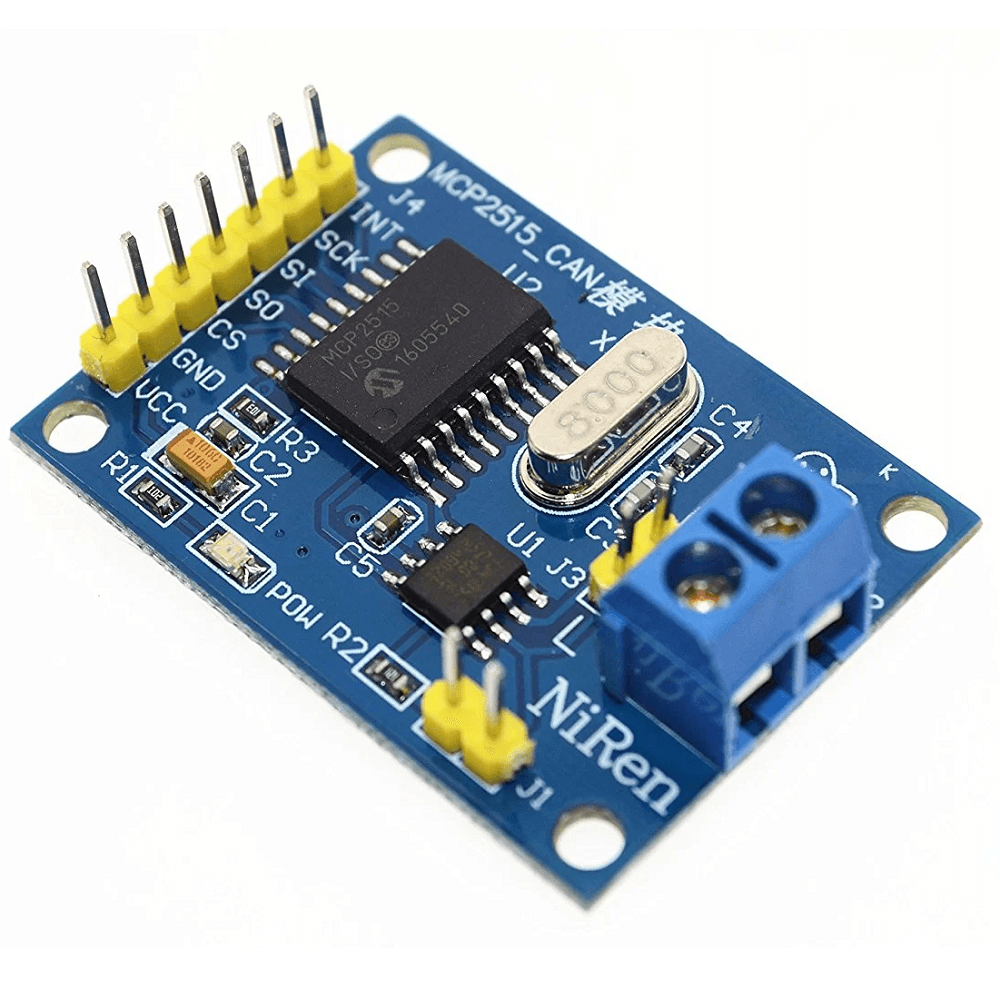
Description
MCP2515 CAN Bus Controller Module with TJA1050 – SPI CAN 2.0B
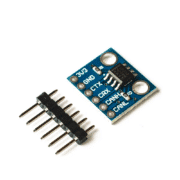
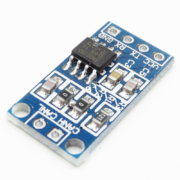
This module combines the MCP2515 CAN 2.0B controller with a TJA1050 physical-layer transceiver. It provides a convenient CAN connection for Arduino, ESP32, Raspberry Pi, and other projects.
🔧 Technical specifications
- CAN protocol: version 2.0B, up to 1 Mb/s (as listed)
- Controller: MCP2515 over SPI (CS, SCLK, SI, SO), with INT interrupt
- Transceiver: TJA1050 (CANH / CANL levels)
- Supply: 5 V DC (typically 5 mA operating, 1 µA standby)
- Termination: 120 Ω resistor, enabled using a solder jumper
- LED indicators: TX (transmit) and RX (receive)
- Operating temperature: −40 °C to +85 °C
- Dimensions: 44 × 28 mm; mounting-hole spacing: 23 × 38 mm
💡 Typical applications
- Automotive and industrial CAN networks
- Telemetry systems and distributed sensors
- Motor and actuator control and automation
- Embedded IoT projects requiring a robust bus
- Data bridges between microcontrollers and CAN equipment
Arduino code example (using the mcp_can library)
#include <SPI.h>
#include <mcp_can.h>

const int SPI_CS_PIN = 10;
MCP_CAN CAN(SPI_CS_PIN);

void setup() {
Serial.begin(115200);
while (CAN_OK != CAN.begin(CAN_500KBPS)) {
Serial.println("Initialisation CAN échouée");
delay(100);
}
Serial.println("CAN initialisé à 500 kbps");
}

void loop() {
// Envoi d'un message CAN 11-bit ID 0x100, 8 octets
byte data[8] = {0xDE,0xAD,0xBE,0xEF,0x00,0x11,0x22,0x33};
CAN.sendMsgBuf(0x100, 0, 8, data);
delay(1000);

// Lecture
if (CAN_MSGAVAIL == CAN.checkReceive()) {
unsigned long id;
byte len;
byte buf[8];
CAN.readMsgBuf(&len, buf);
id = CAN.getCanId();
Serial.print("Reçu ID 0x"); Serial.print(id, HEX);
for (byte i = 0; i < len; i++) {
Serial.print(" "); Serial.print(buf[i], HEX);
}
Serial.println();
}
}
Code explanation
- Initialize SPI and the MCP2515 module at 500 kbps with
CAN.begin(...). - In
loop(), send an 8-byte CAN frame with ID 0x100 usingsendMsgBuf(). - Then check for a message with
checkReceive(), read its ID and data usingreadMsgBuf()andgetCanId(), and display them in the serial monitor.
🛠️ Pinout and wiring
| Module pin | Function | Arduino UNO |
|---|---|---|
| VCC | +5 V DC supply | 5 V |
| GND | Common ground | GND |
| CS | SPI chip select (active low) | D10 |
| SO (MISO) | SPI Master In, Slave Out | D12 |
| SCLK | SPI clock | D13 |
| SI (MOSI) | SPI Master Out, Slave In | D11 |
| INT | Interrupt (CAN message received) | D2 |
| CANH / CANL | CAN bus screw terminals | Connect to the bus |
Note: Enable the 120 Ω termination by soldering the provided jumper if the module is at an end of the bus.